
Key takeaways
- Fire TV's more modern and streamlined user interface is now available on all current generation Amazon Fire TV Sticks and Amazon Ember smart TVs.
- The redesigned mobile app turns smartphones into a second screen for discovering what to watch next.
- Amazon Ember Artline is a lifestyle TV with a matte screen and access to more than 2,000 pieces of free art.
- Generative AI-powered Alexa+ offers personalized recommendations and lets you jump to specific scenes in movies.
June 22, 2026 update: All current generation Amazon Fire TV Sticks, the Fire TV Cube, and Amazon Ember smart TVs purchased globally now ship with our redesigned user interface experience.
Our mission at Fire TV is getting customers to what they want to watch—fast. We know that can be hard with so much content to choose from. It would take 100 years just to stream the free content on Fire TV. So, last year, we launched Alexa+, our world-class entertainment expert, on Fire TV, to help customers get smarter, more personalized recommendations through natural conversation.
Because customers are talking to Alexa+ more than 2.5 times more often than they were with the original Alexa, we knew it was time to upgrade other key parts of the Fire TV experience. So, to kick off 2026, we upgraded how customers browse for content with a new, redesigned user interface (UI), launched a transformed Fire TV mobile app, and introduced our first-ever lifestyle TV, the Amazon Ember Artline.
A new Fire TV design that’s clean and fast
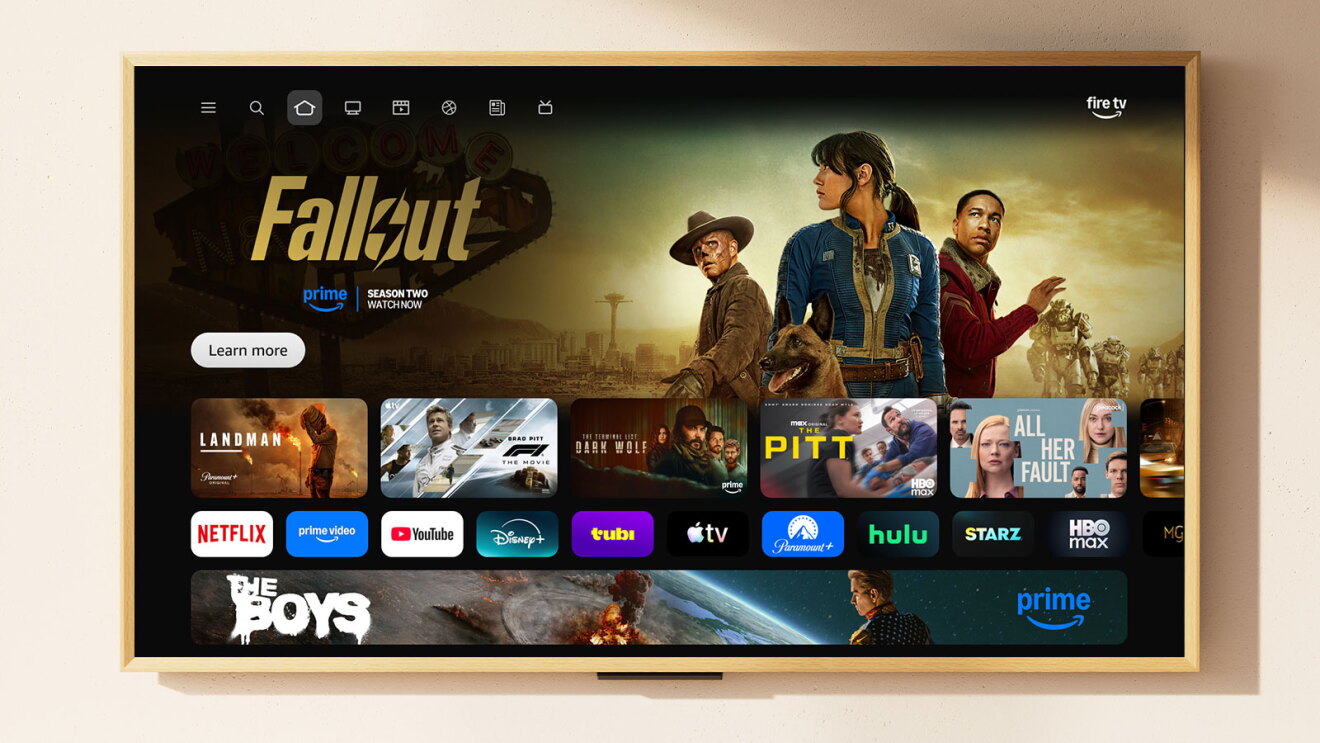
We've redesigned the Fire TV UI to be cleaner, faster, and better organized—helping customers spend less time searching and more time watching.
We’ve seen recent research from Gracenote that customers in the U.S. spend 12 minutes on average searching for what to watch, up from 10.5 minutes in 2023. We designed the new Fire TV experience to help cut down on that time. Now it’s faster and easier to find movies, TV shows, sports, news, and live content across all your subscriptions. That means when you browse movies, for example, you’ll see titles from all the apps you use.
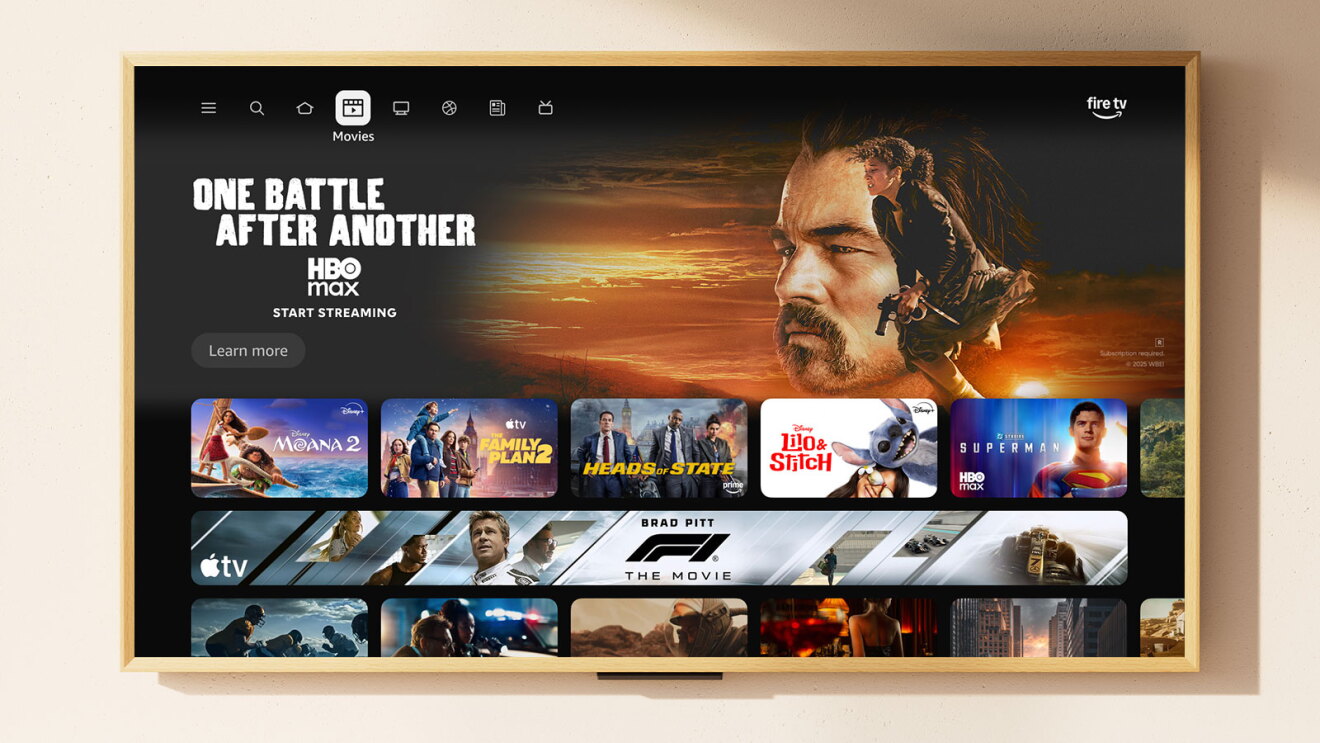
The new UI has a more modern design with improved layouts, rounded corners, redesigned color gradients, updated typography, and more optimized spacing. The update isn’t just aesthetic: The team rebuilt the underlying code to make the experience faster. In some cases, we’re seeing up to 20–30% gains in speed when using the new UI on devices customers already own. All of these improvements are available to customers with a free software update.
With the redesign, all your apps are available on the home screen, and you can quickly rearrange the tiles, so your favorites are front and center. But the Fire TV experience is much more than just an app launcher. Now you can press the Menu button on your remote to quickly get to Games, Art & Photos, and the Ambient Experience. And with Amazon Photos on Fire TV, it’s easy to connect your personal photos so they show up beautifully on the biggest screen in your home.
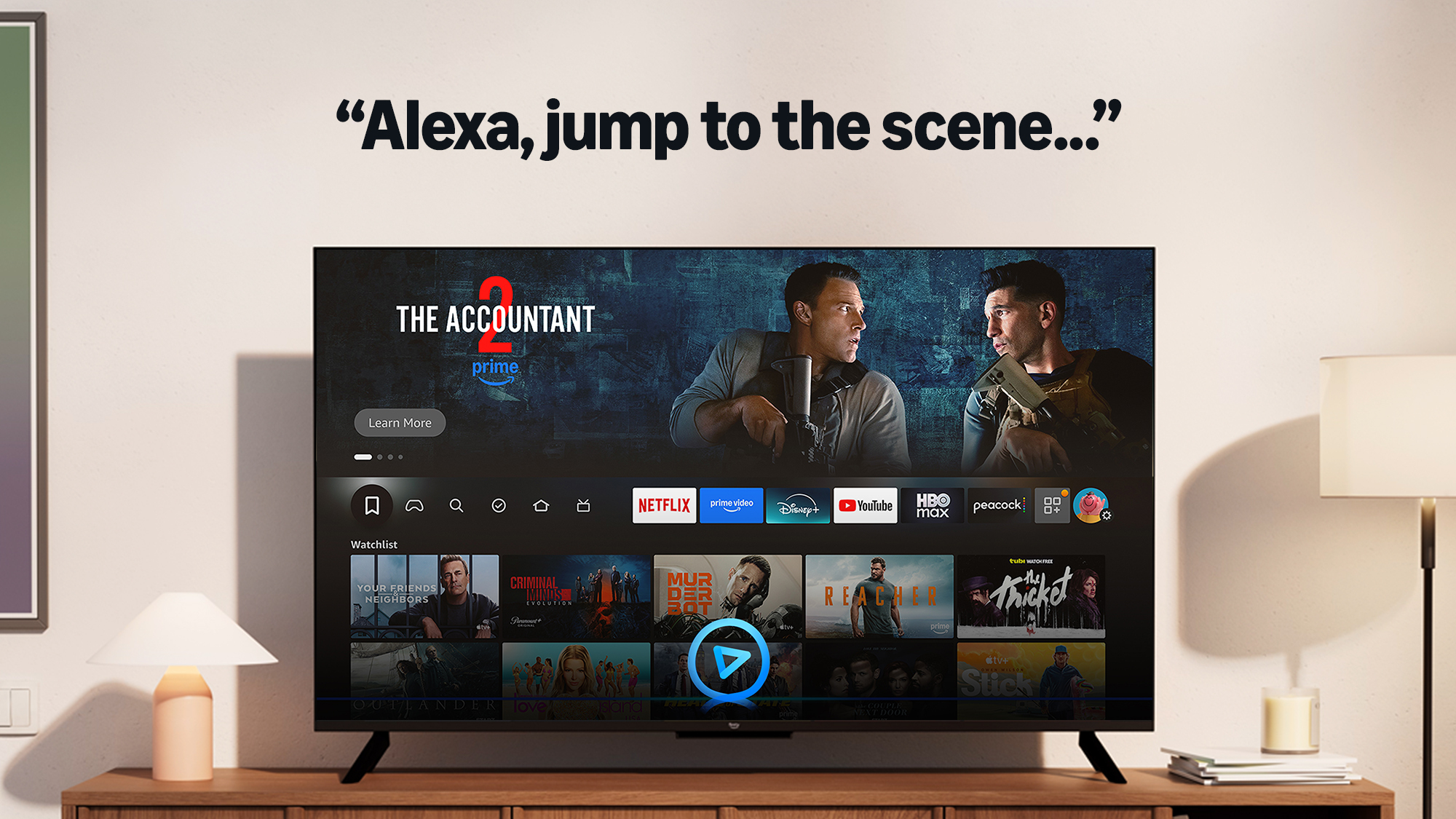
We’ve also added a shortcut panel you can access by long-pressing the Home button on your remote. It gives you quick access to the most-used controls on Fire TV, including audio and display settings, your connected Ring cameras, and smart home device management.
Of course, Alexa+, our generative AI-powered agent, is available in every part of the Fire TV experience. Just tell Alexa what you’re in the mood to watch, who you’re with, or examples of actors or directors you like. Alexa will help you find something great to watch. You can also ask Alexa to add the title you see on screen to your watchlist, get stats from the game you’re watching, create an AI-generated background screensaver, see photos from your last family vacation, turn down the lights, or jump straight to an iconic movie scene.
The Fire TV mobile app gets a glow up
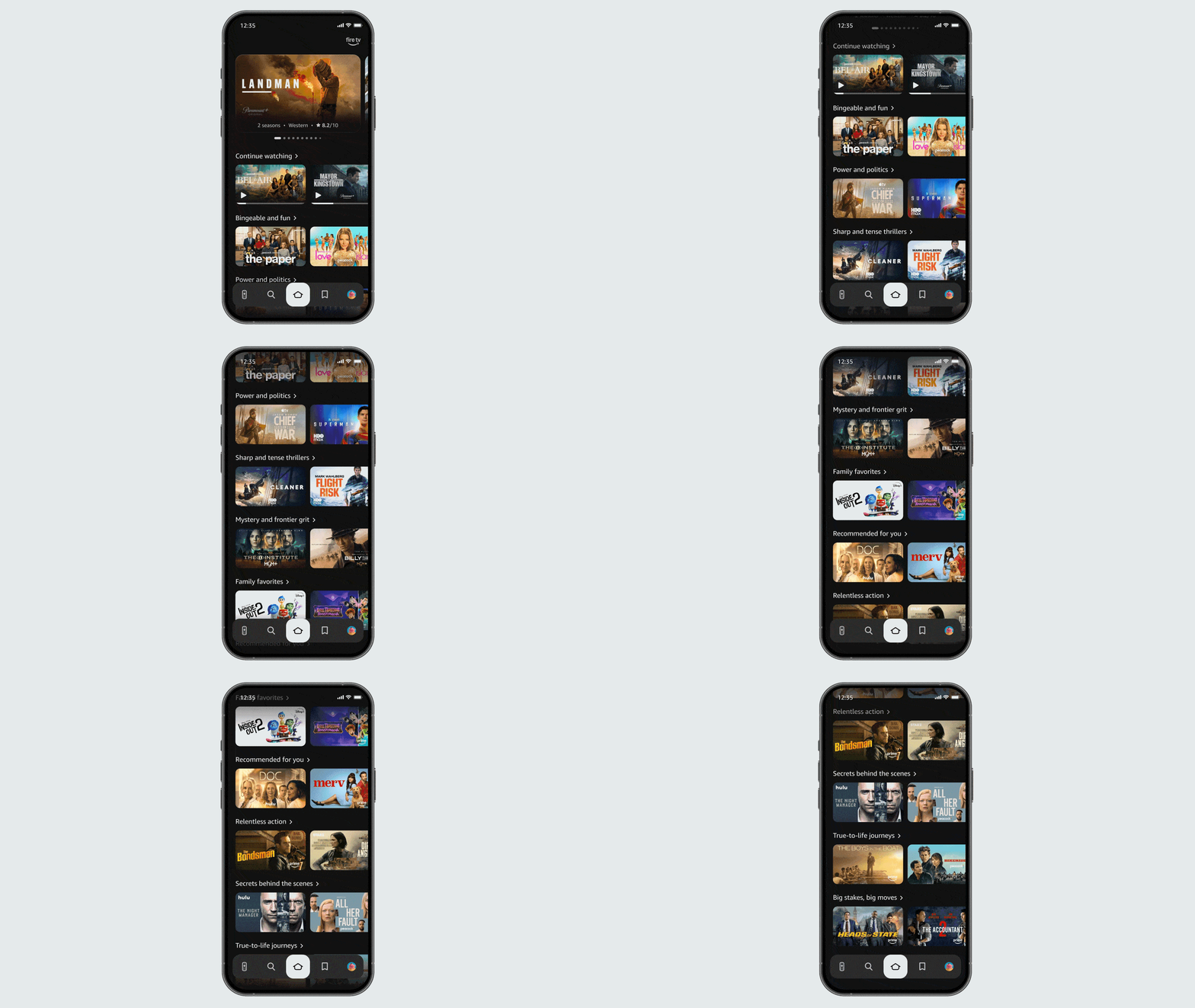
Millions of customers use our Fire TV mobile app as a backup remote, but we knew it could do more. The redesigned app adds the ability to browse content, manage your watchlist, and play titles on your TV—all with a look and feel that matches the new Fire TV design.
Now you can use your phone as a second screen to discover what to watch next or add a friend's show recommendation to your watchlist when you’re away from home.
The Fire TV mobile app is available for free worldwide.
Innovating on behalf of customers
Customers around the world have purchased over 300 million Fire TV devices, including our streaming media players; TVs made by partners like Hisense, Panasonic, TCL, and Xiaomi; and Amazon TVs like the latest Fire TV 2-Series, 4-Series, and Omni QLED Series.
With our Amazon smart TVs, our goal has always been to push the boundaries of what the biggest screen in our homes can do. Over the years, we’ve launched innovations like the Ambient Experience so our TVs could display your photos and art whenever someone walks into the room and then power down when you leave the room to save energy. Customers have loved these features, so it was naturally time to elevate our hardware and build a TV worthy of the Ambient Experience.
We’ve also had so much momentum with our line of Amazon smart TVs that we decided now was the time to give them their own name: Amazon Ember. And it was only fitting to launch this new name with our first-ever lifestyle TV, the Amazon Ember Artline.
The Amazon Ember Artline—a lifestyle TV designed for any room

The all-new Amazon Ember Artline is a beautiful 4K QLED TV featuring support for Dolby Vision, HDR10+, Wi-Fi 6, and a thin 1.5-inch design. It has a matte screen designed to make your art and photos look great and to reduce glare in any lighting condition.
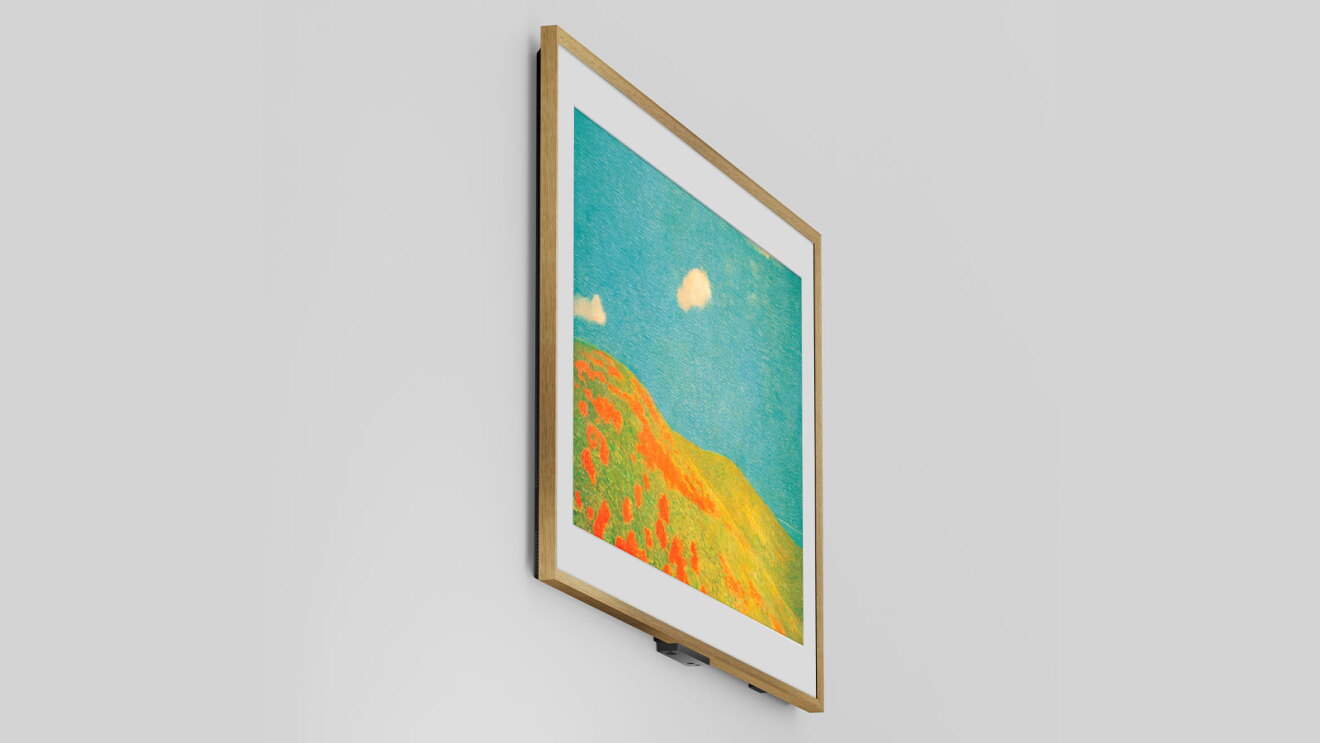
The Artline is more than a stunning display—it brings AI innovation to the lifestyle TV category.
The Amazon Ember Artline comes with far-field microphones so you can naturally talk with Alexa+, and Omnisense technology that automatically turns the Ambient Experience on and off when people enter or leave the room. It includes seamless integration with Amazon Photos, more than 2,000 pieces of free art, and the all-new Fire TV UI so you can get to what you want to watch—fast.
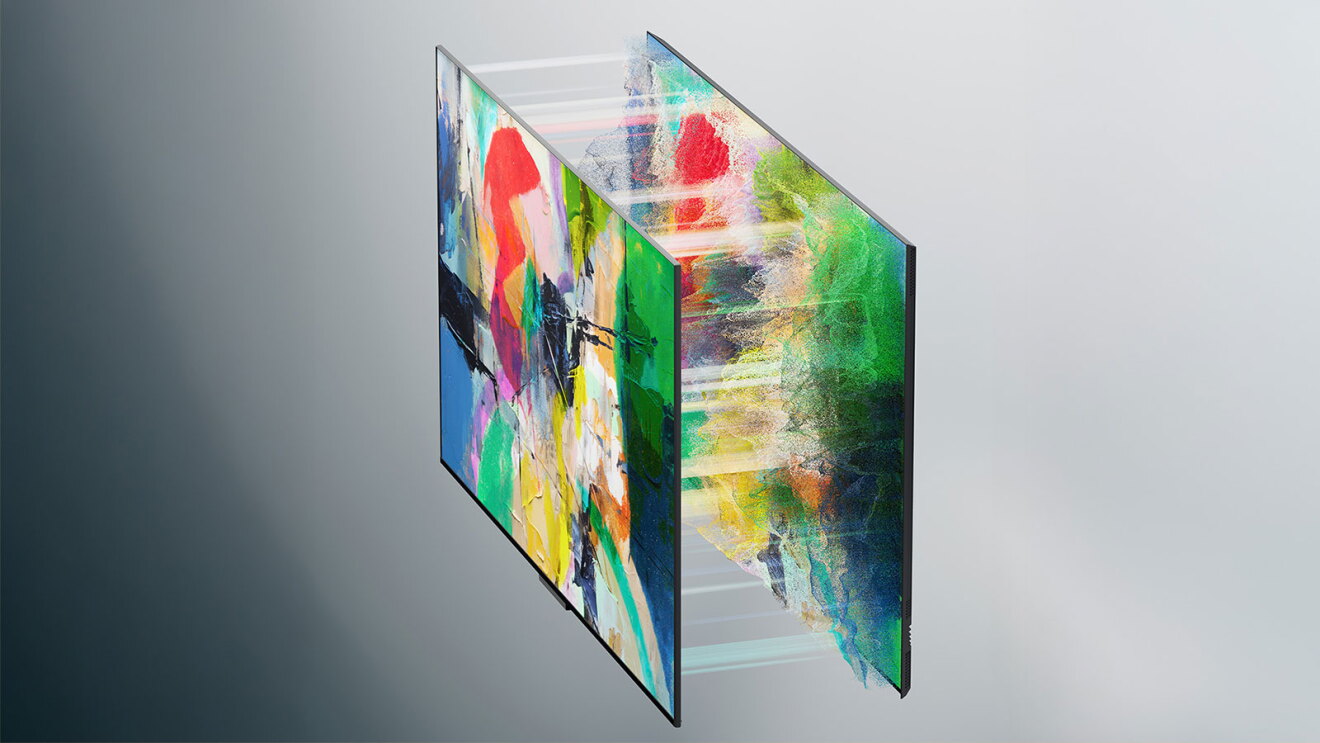
We know that finding the right piece of art to fit in a specific room can be challenging. So, we’ve built an all-new, AI-powered feature that lets you take up to four photos of the room where you plan to hang the Amazon Ember Artline and quickly get personalized recommendations on the best works of art to display that match your style and décor.
With Amazon Photos connected, you can also ask Alexa+ to help create slideshows of your photos by saying things like, “Alexa, create a slideshow of our family trip to Colorado” or “Alexa, show photos from our wedding.”
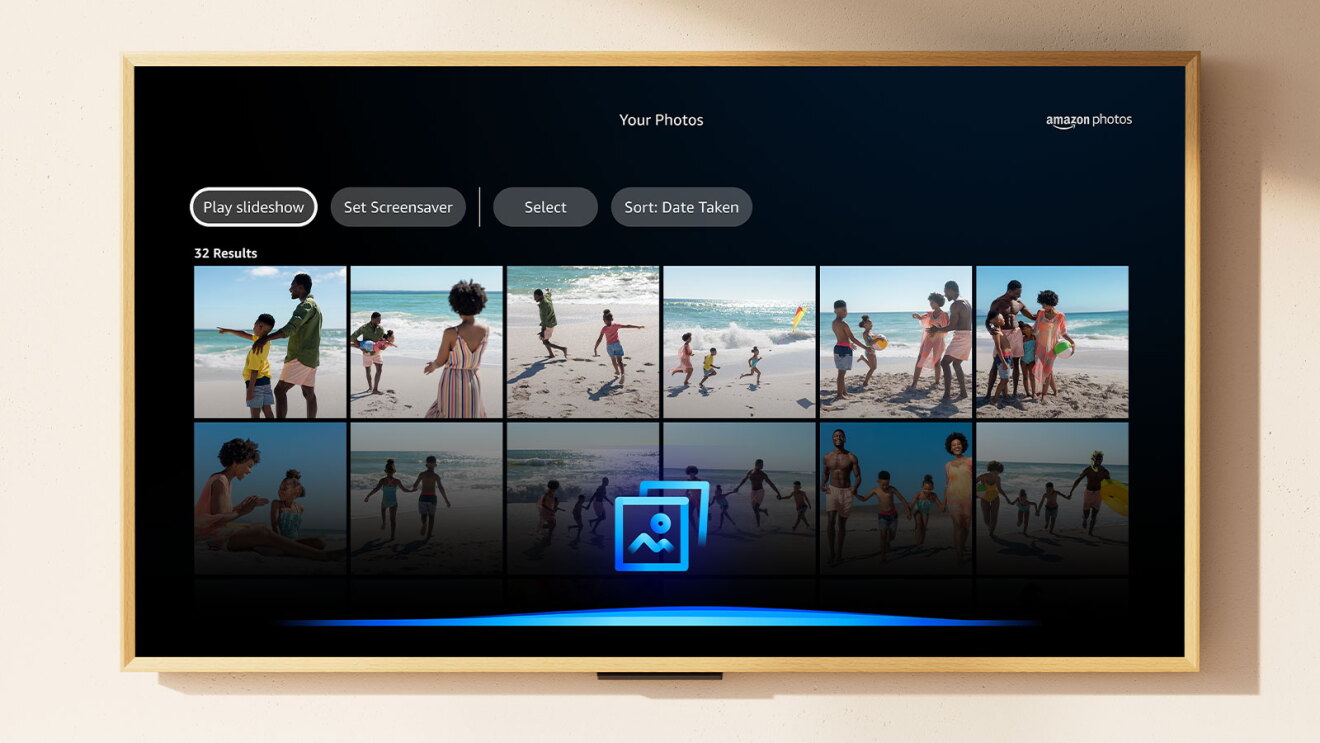
And customers can choose from one of 10 easily adjustable, magnetic frames to best fit your style. Colors include Walnut, Ash, Teak, Black Oak, Matte White, Midnight Blue, Fig, Pale Gold, Graphite, and Silver.

Availability
The new Fire TV UI began rolling out to customers in February 2026 and is now available to customers worldwide on all current generation Amazon Fire TV Stick devices and Amazon Ember smart TVs. The new UI also launched on Hisense TVs with the Fire TV experience built in and is scheduled to become available on more devices later this summer.
The Amazon Ember Artline began shipping to customers in the U.S., Canada, Germany, and the UK in spring 2026. The Amazon Ember Artline is available from 55”–65” starting at $899, including your choice of one of the 10 adjustable color frames.
*Separate subscriptions required to access certain content featured in visuals
Trending news and stories