
Key takeaways
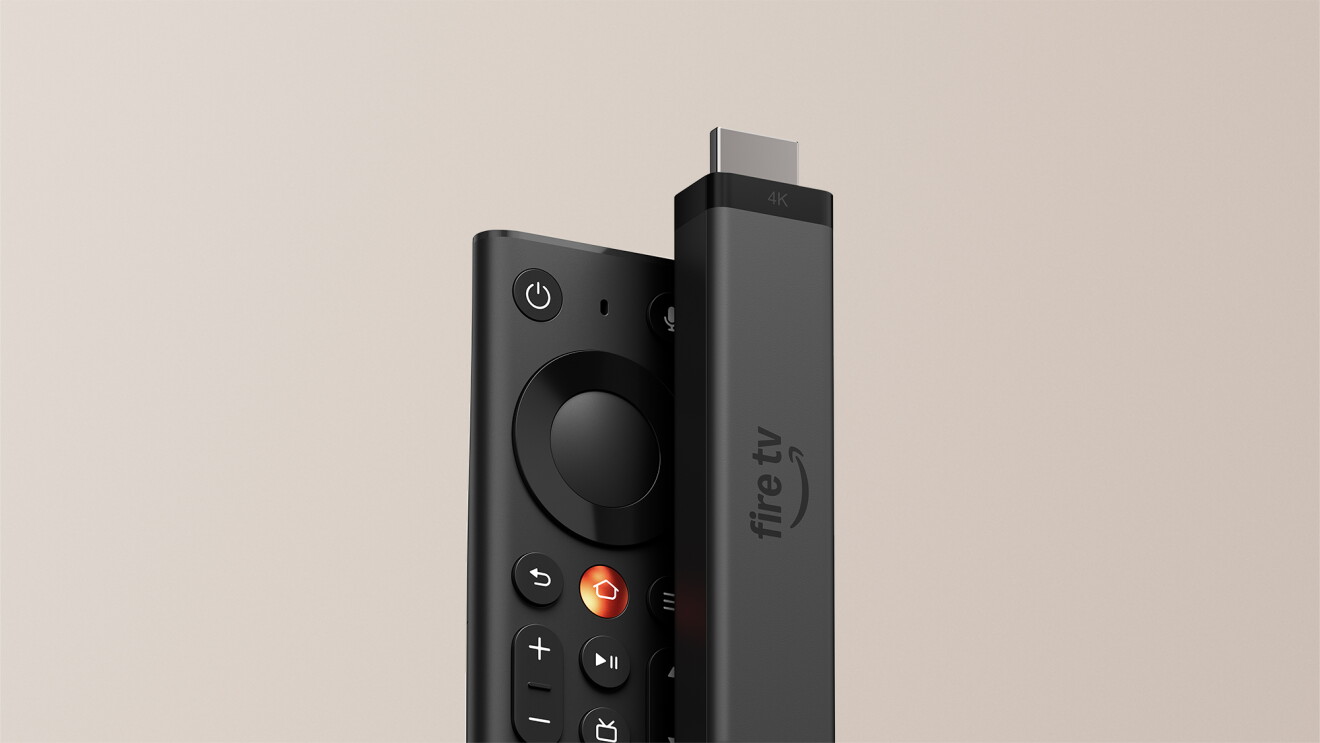
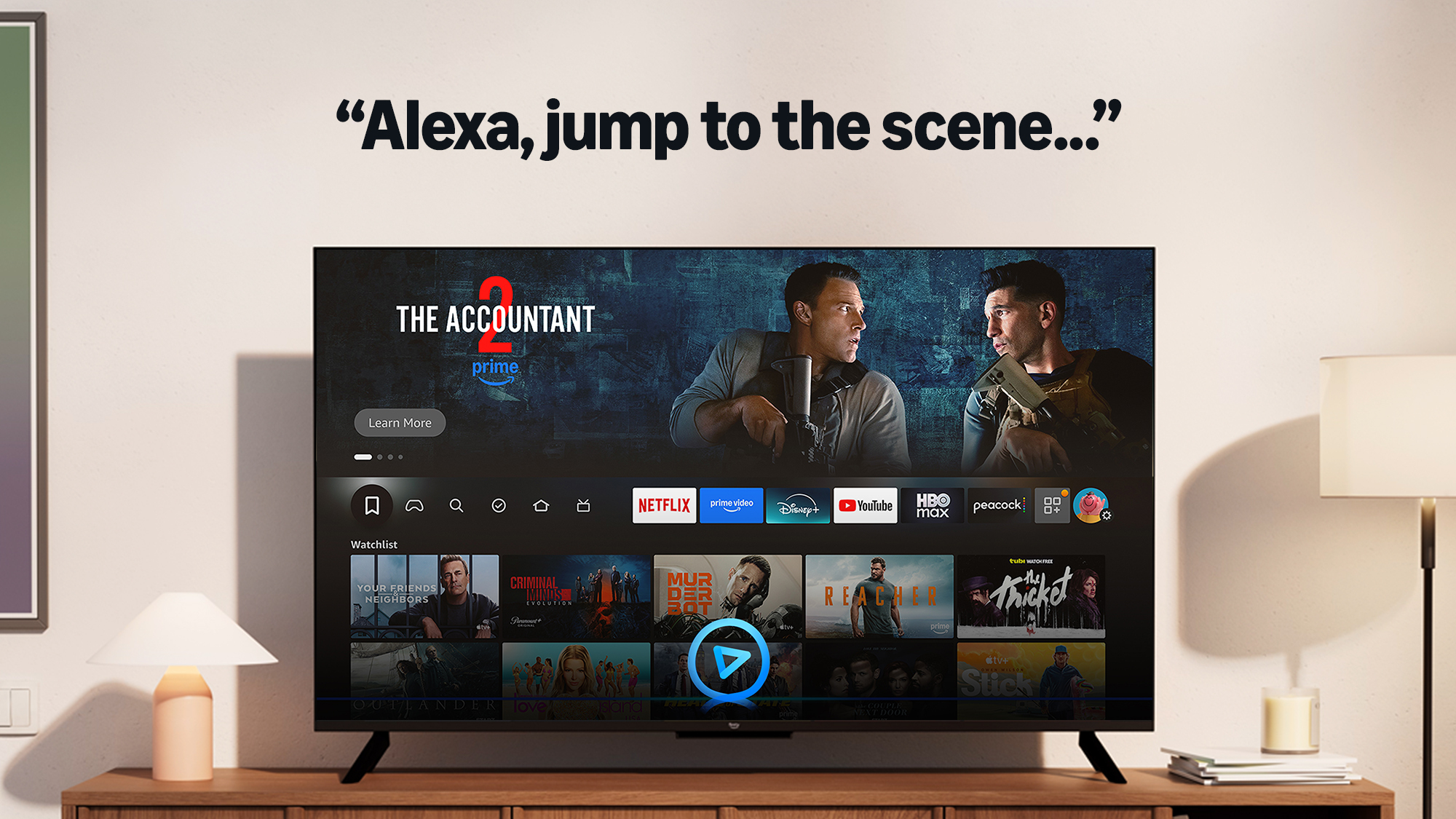
- With Fire TV, you can now tell Alexa+ the movie moment you’re thinking of—and jump straight to that scene on Prime Video. No searching, no fast-forwarding.
- The AI feature works with thousands of Prime Video movies by understanding scene descriptions, character names, and famous quotes.
- Simply say things like “Jump to the scene in Red One where Santa flies over the city” to start watching that exact moment in seconds.
Picture this—you're with friends trying to show them your favorite movie moment, but end up spending frustrating minutes fast-forwarding and searching. Now there's a solution: simply describe the scene to Alexa+, and Fire TV will take you directly to that moment on Prime Video.

Our number one mission at Fire TV is getting you to what you want to watch—fast. Today's launch builds on that mission with this new AI-powered feature. Just describe a movie scene like you would to a friend, and Alexa+ will jump directly to that specific moment—no more searching required. This feature joins Fire TV's growing suite of AI capabilities, enhancing personalized recommendations based on customers' viewing preferences and subscriptions, while helping them discover content they want to watch even faster.
How does the new find a scene feature work on Fire TV?
Just ask Alexa+ to jump to the movie scene you have in mind, and Fire TV will start playing that scene on Prime Video. You can describe the scene to Alexa by mentioning details like the actor or character’s name, or a memorable quote. A few examples of things you can try:
- “Jump to the card scene in Love Actually”
- “Jump to the scene in Red One where Santa flies over the city”
- “Jump to the scene where Deloris Jordan says ‘a shoe is just a shoe until my son steps into it’”
- “Jump to the scene when John McClane says ‘come out to the coast, we’ll get together, have a few laughs’”
- “Jump to the scene where Joshua asks, ‘shall we play a game?’”
- “Jump to the Ozdust ballroom scene in Wicked with Glinda”
- “Jump to the scene in Mamma Mia where Sophie sings ‘Honey Honey’”
- “Jump to the boulder chase scene in Raiders of the Lost Ark”
This new capability harnesses the intelligence of AI to seamlessly work across a variety of Amazon services. Alexa+ can identify the movie you’re talking about even when you don’t mention the title, and then uses visual understanding and movie captions, processed through Prime Video’s X-Ray, to understand the characters, plot, and action happening in any given scene to determine the specific moment a customer wants to watch on their Fire TV—and does it in seconds. Like Alexa+, this feature is built on Amazon Bedrock and utilizes a variety of large language models, including Amazon Nova and Anthropic Claude.
What movies can I use the scene jump feature with on Fire TV?
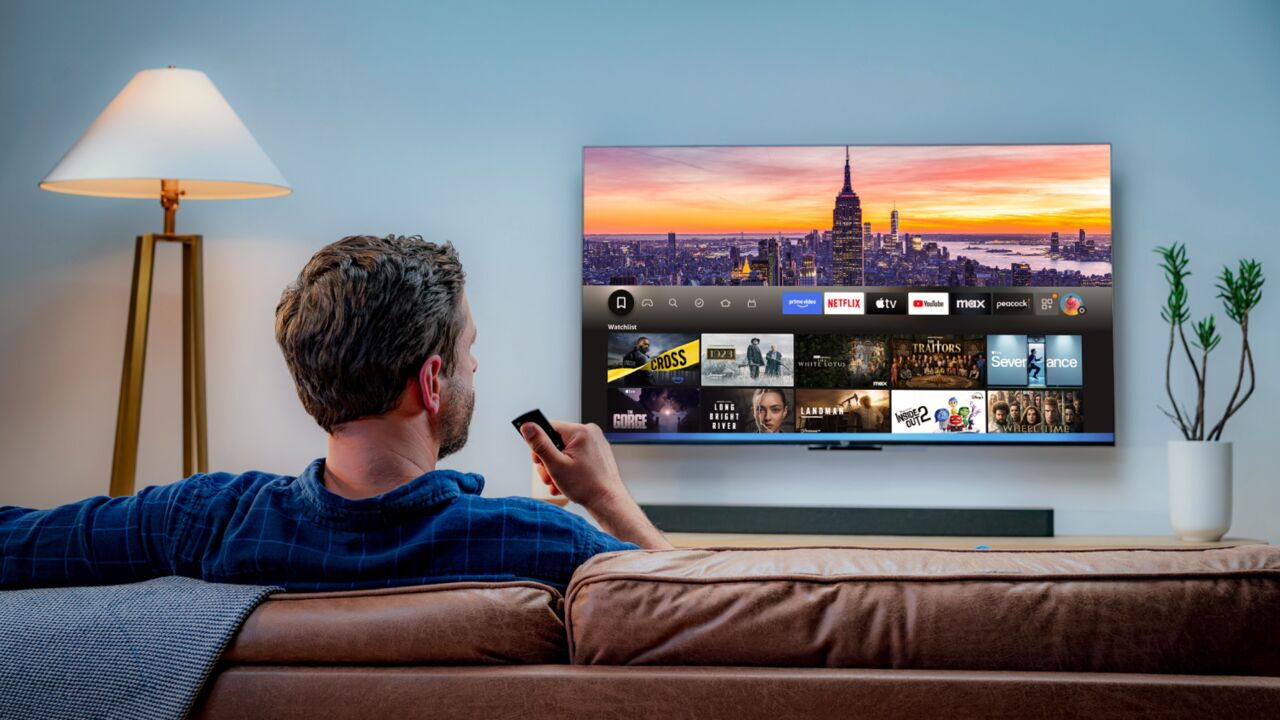
This Alexa+ feature works with thousands of movie titles available on Prime Video, including tens of thousands of indexed scenes, and we plan to add more movies, more scenes, and expand the capability to TV shows soon. For the feature to work, the movie will need to be included with a Prime membership or you will need to have purchased or rented the movie from Prime Video.
Discover what’s next with Alexa+
Whenever you're ready to cozy up with entertainment this winter season, Alexa+ makes it effortless to find your next favorite watch. Looking for something similar to that heartwarming film you enjoyed last weekend? Want a family-friendly holiday classic for movie night? Or maybe you're in the mood for your favorite actor's latest release? Just ask Alexa+ like you would talk to a friend, and you'll get personalized suggestions across streaming services like Prime Video, Netflix, HBO Max, and more.
“Alexa, help us find another funny holiday movie like the one we watched last night”
Alexa+ becomes your watch companion too. When you’re streaming, you can ask about an actor's filmography, learn about the movie’s soundtrack, or uncover festive behind-the-scenes trivia—all without reaching for your phone.
“Alexa, where would we know this actress from?”
This extends to live sports too. Alexa+ can tell you the score of your favorite team, share player stats during games, and help you find live events across your favorite services like Prime Video, Sling TV, DIRECTV, and Fubo. Missed the fourth-quarter comeback everyone’s talking about? Ask about last night’s game for highlights and commentary.
“Alexa, show me highlights from yesterday’s Seahawks game”
Ready to experience Alexa+ on Fire TV? Learn more about Early Access and explore compatible Fire TV devices.
Trending news and stories
- Amazon's Holiday Kids Gift Book is back with 600+ toys, games, and gifts for every age
- Amazon introduces a completely redesigned Kindle family
- Introducing all-new Amazon Alexa Tablets—powerful tablets with Alexa+ built in
- The race our nation can’t afford to lose, plus a new commitment from us and a fresh set of community investments