
Key takeaways
Millions of customers are using Alexa+ on Fire TV to discover and get to what they want to watch faster, and today, it’s rolling out to all U.S. customers that have compatible Fire TV devices at no additional cost.
This upgrade delivers a smarter, more conversational voice experience to millions more customers—an intelligent voice experience that understands context, remembers your preferences, and delivers better, more relevant recommendations.

Alexa+ customers have nearly twice as many conversations on Fire TV as they did with the original Alexa because Alexa+ understands what they're asking—and gives them useful answers back. Rather than having to scroll through the seemingly endless amount of content available today, Alexa+ has helped customers quickly find tens of millions of movies, shows, and sports content they want to watch all through natural conversation.
What to expect from Alexa+ on Fire TV
Finding content is easier with Alexa+, which better understands conversational requests and follow-up questions. Instead of searching by exact title, customers can ask naturally—“Recommend me a top-rated thriller”—and then refine their search by following up with—“something newer” or “with a female lead.” The Alexa+ movie recommendations have gotten smarter, and customers are now picking Alexa's top recommendation for search queries over 40% more than they were with the original Alexa.
Beyond search, Alexa+ makes watching TV and completing everyday tasks faster, easier, and even more fun.

Entertainment
- Describe what you’re in the mood to watch, and Alexa+ takes you there. For example, try asking—“Show me historical dramas with strong female leads.”
- Move what you're watching on Prime Video from one Fire TV device to another in your home with a simple voice request. For example, try asking, “Alexa, move this show to the Fire TV in my bedroom.”
- On-screen and informational context: Ask, “Alexa, how many movies has Hilary Duff been in?” and follow up with, “Is she still on tour?”—all without picking up your phone.
Smart home and everyday AI assistant
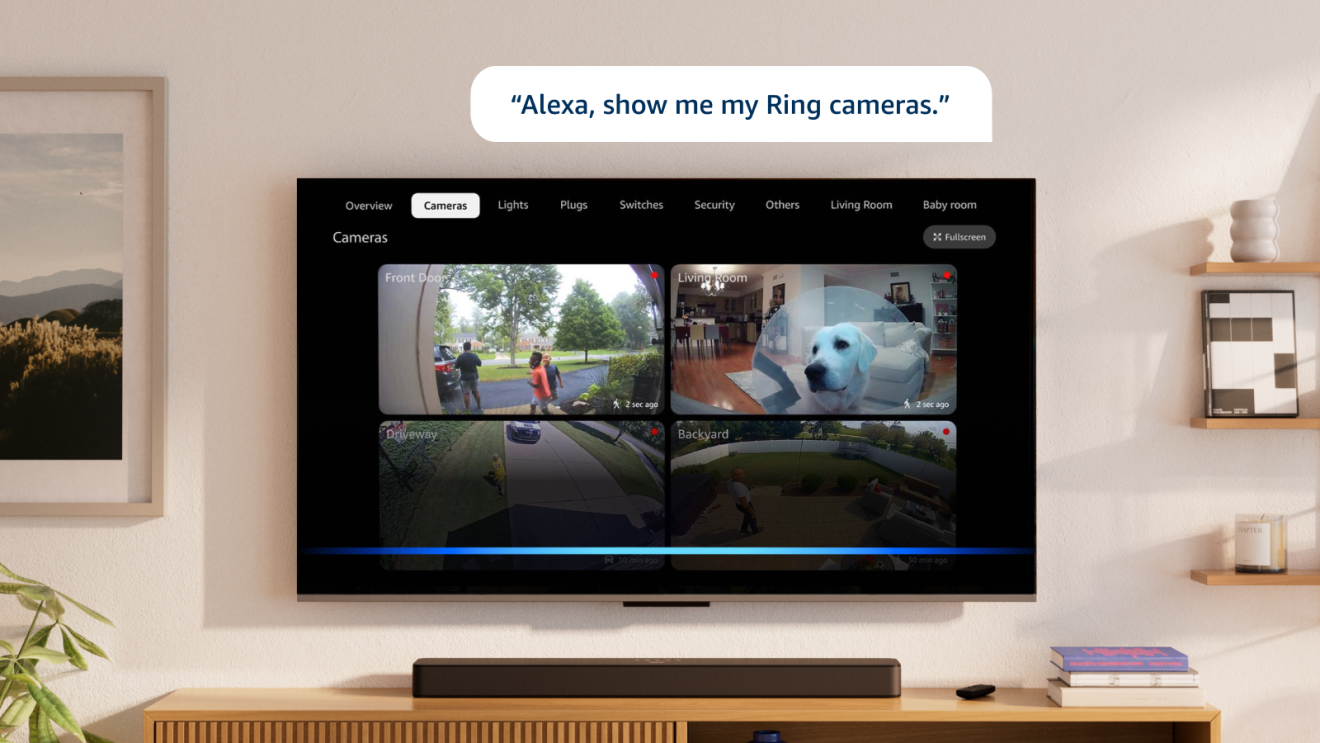
- Live camera feeds: “Alexa, show the front door” pulls up a Ring camera feed on your TV screen.
- Scene controls: “Alexa, make it dimmer in here for a movie night” adjusts lighting and dims compatible devices.
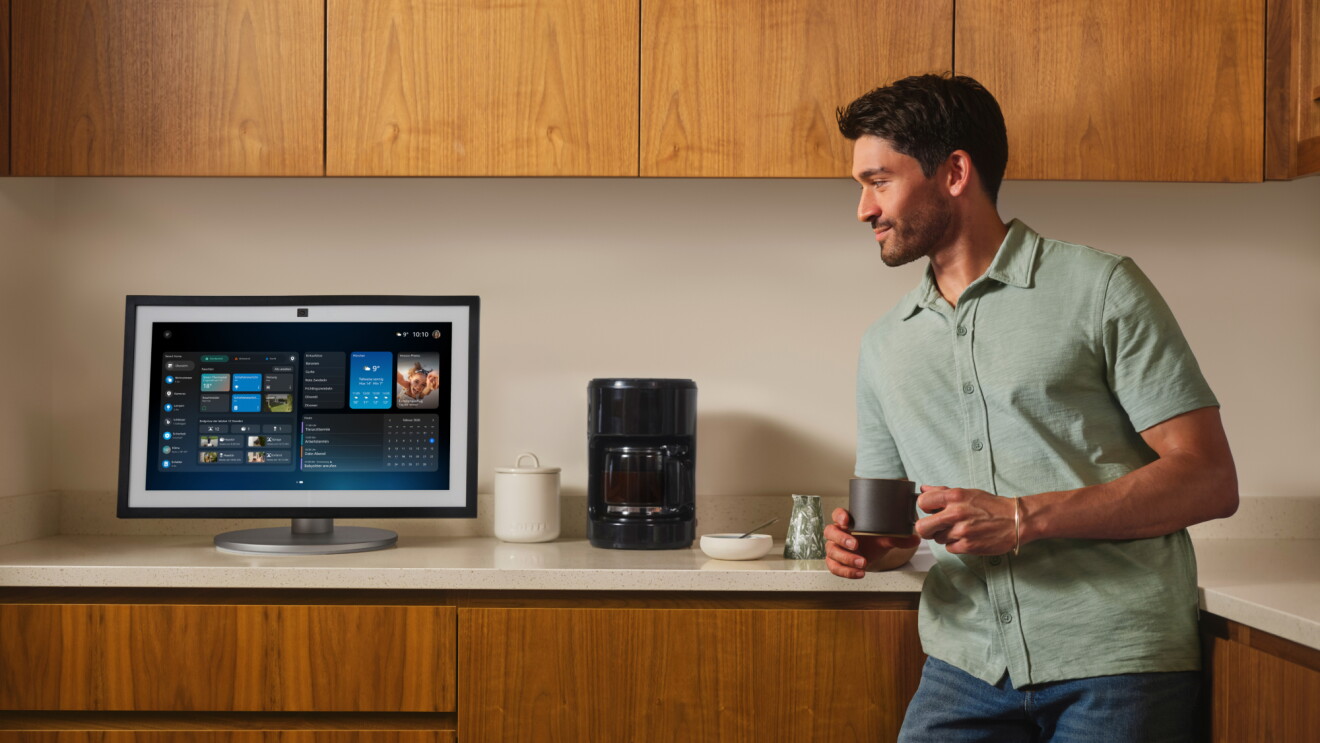
- Customers are using Alexa+ more to control smart home devices through their TV, making Fire TV a central hub for the connected home. Use your voice to ask—“Alexa, lock the door.”—and Alexa+ will know to communicate with your paired smart lock.
- Information and answers: Customers are increasingly tapping into the AI power of Alexa+ to check out the weather forecast, recipe recommendations, sports scores, and timers—all hands-free while they watch.
These kinds of everyday requests have become one of the most popular ways customers use Alexa+ on Fire TV.
Where Alexa+ on Fire TV is available now
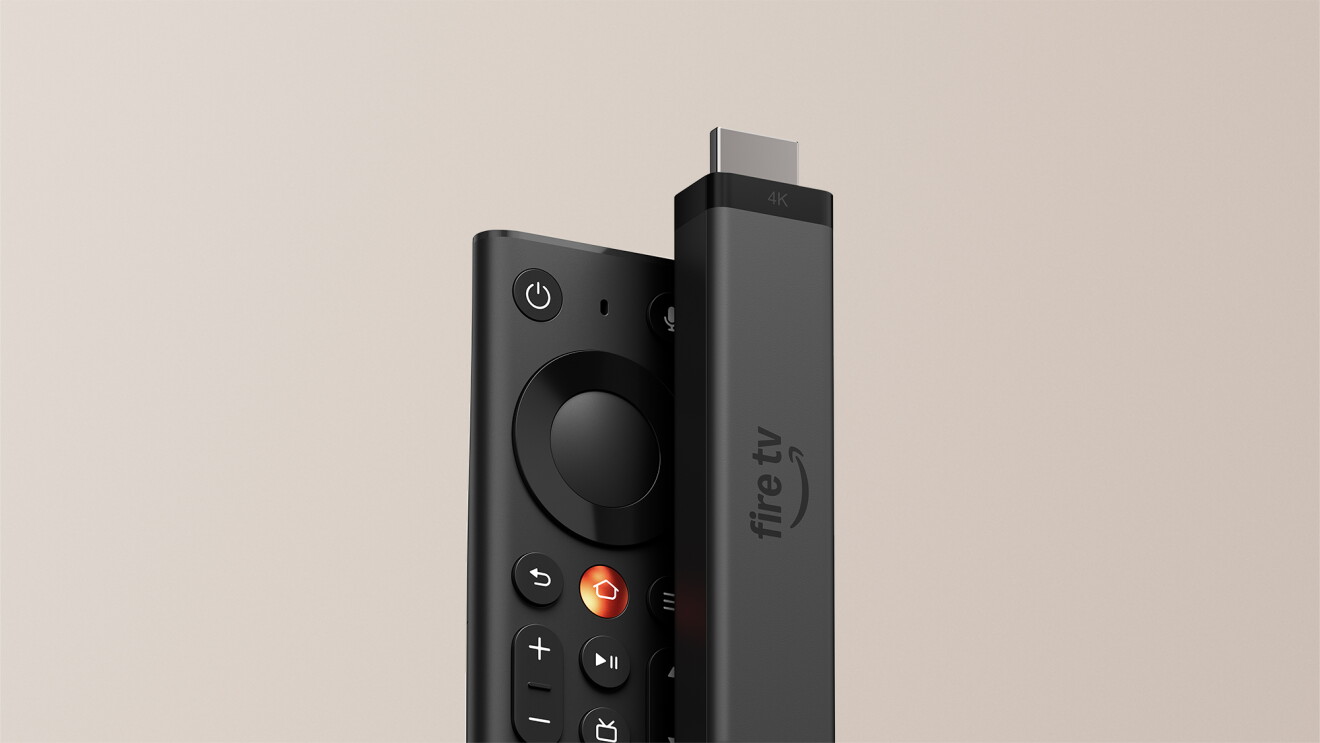
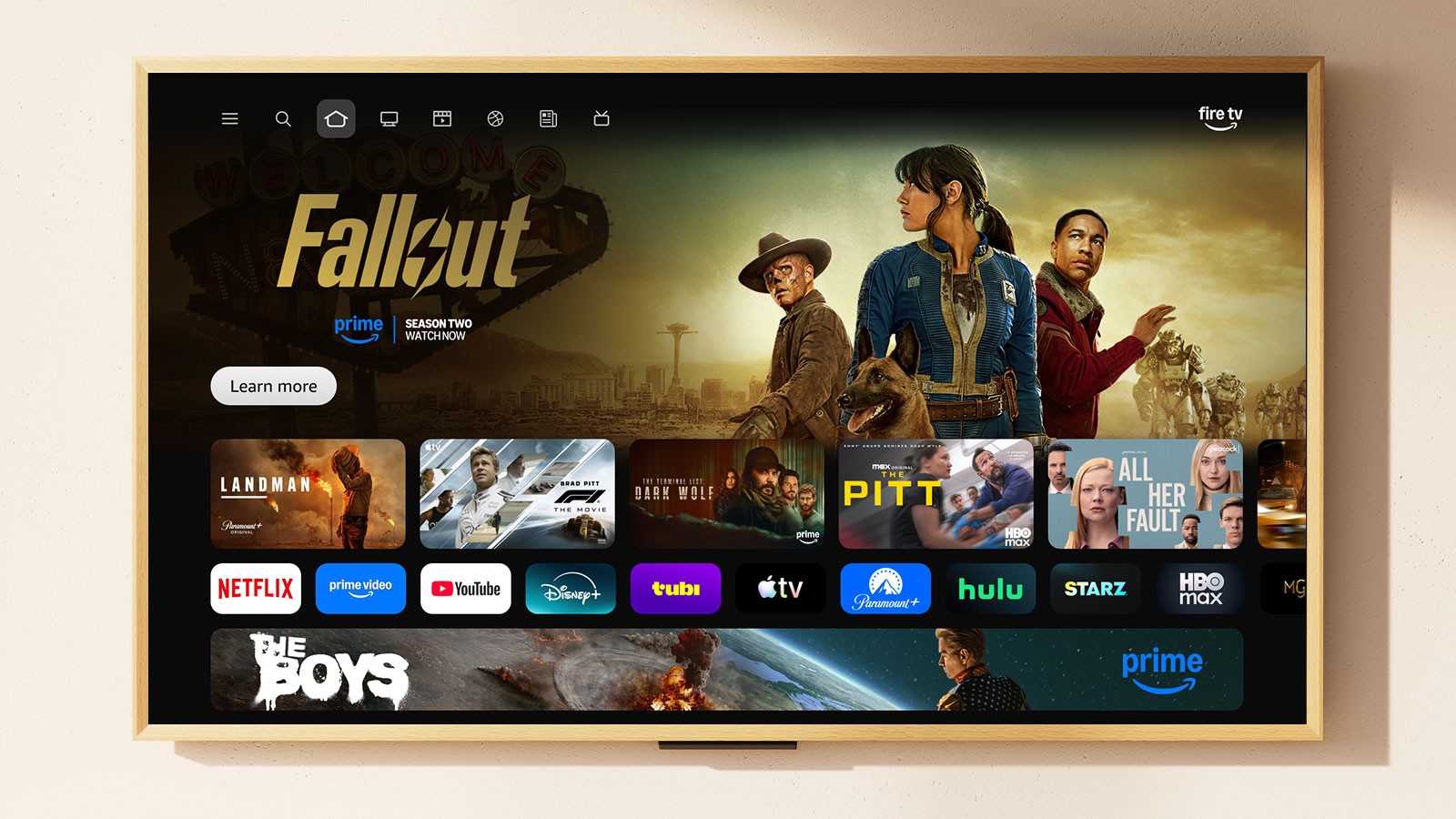
Alexa+ on Fire TV is rolling out now to all customers in the U.S. with compatible Fire TV devices, including all current-generation Amazon Fire TV Sticks, the Fire TV Cube, Amazon Ember smart TVs, and other smart TVs by trusted brands with Alexa+ built in, including Hisense and Panasonic. Additional devices and regions may be added over time.
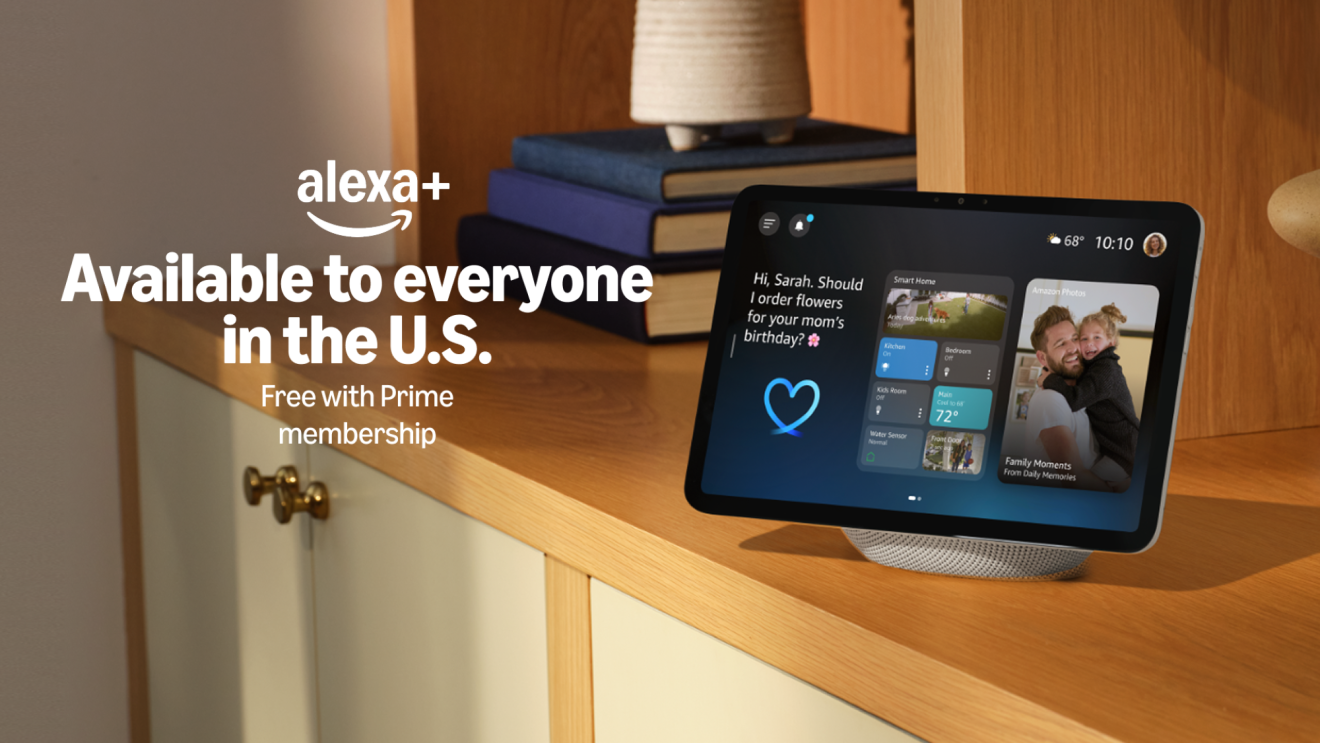
Eligible Fire TV customers—regardless of their Prime membership status—are automatically upgraded to the Alexa+ experience. There's no action required, no app to download, and no subscription to activate. Just use your Fire TV as you normally would.
Alexa+ on Fire TV gives customers access to many Alexa+ features on their television at no additional cost, including conversational search to deep dive on any topic or settle a movie-night debate, more easily control your smart home voice controls, or change Alexa’s personality to match your style.
A Prime membership or Alexa+ Standard Plan subscription offers Fire TV customers Alexa+ usage on compatible Echo devices and additional Alexa+ features on their Fire TV devices, including Alexa Routines, access to specific Ring camera moments, and advanced Home Modes to automate household smart devices. Learn more on the Alexa+ homepage.
Next, learn more about how to use Alexa for Shopping to compare products, check price history, auto-buy items at target prices, and more.
What Fire TV customers should know about Alexa+
If I’m a Fire TV customer, do I need to do anything to get Alexa+?
How does Alexa+ search differently than classic Alexa?
Can Alexa+ control smart home devices through my TV?
Trending news and stories
- The race our nation can’t afford to lose, plus a new commitment from us and a fresh set of community investments
- Prime Big Deal Days is back October 6-7: Here’s what to expect
- Prime Big Deal Days 2026 is here: 165 of the best deals to shop now through October 7
- Amazon introduces a completely redesigned Kindle family