
Key takeaways
- Amazon Luna streams console-quality games to devices you already own across the US, Canada, & Europe.
- Prime members get access to more than 60 games at no additional cost, including Star Wars: Outlaws and Hogwarts Legacy.
- GameNight lets friends and family play together using their phones as controllers.
Imagine playing the latest console games instantly on your phone, laptop, or Fire TV—no downloads, no expensive hardware, just pure gaming excitement at your fingertips. That's the magic of Amazon Luna, Amazon's cloud gaming service.
Luna brings more than 60 games to Prime members at no additional cost, including blockbuster titles like Hogwarts Legacy and Star Wars: Outlaws.
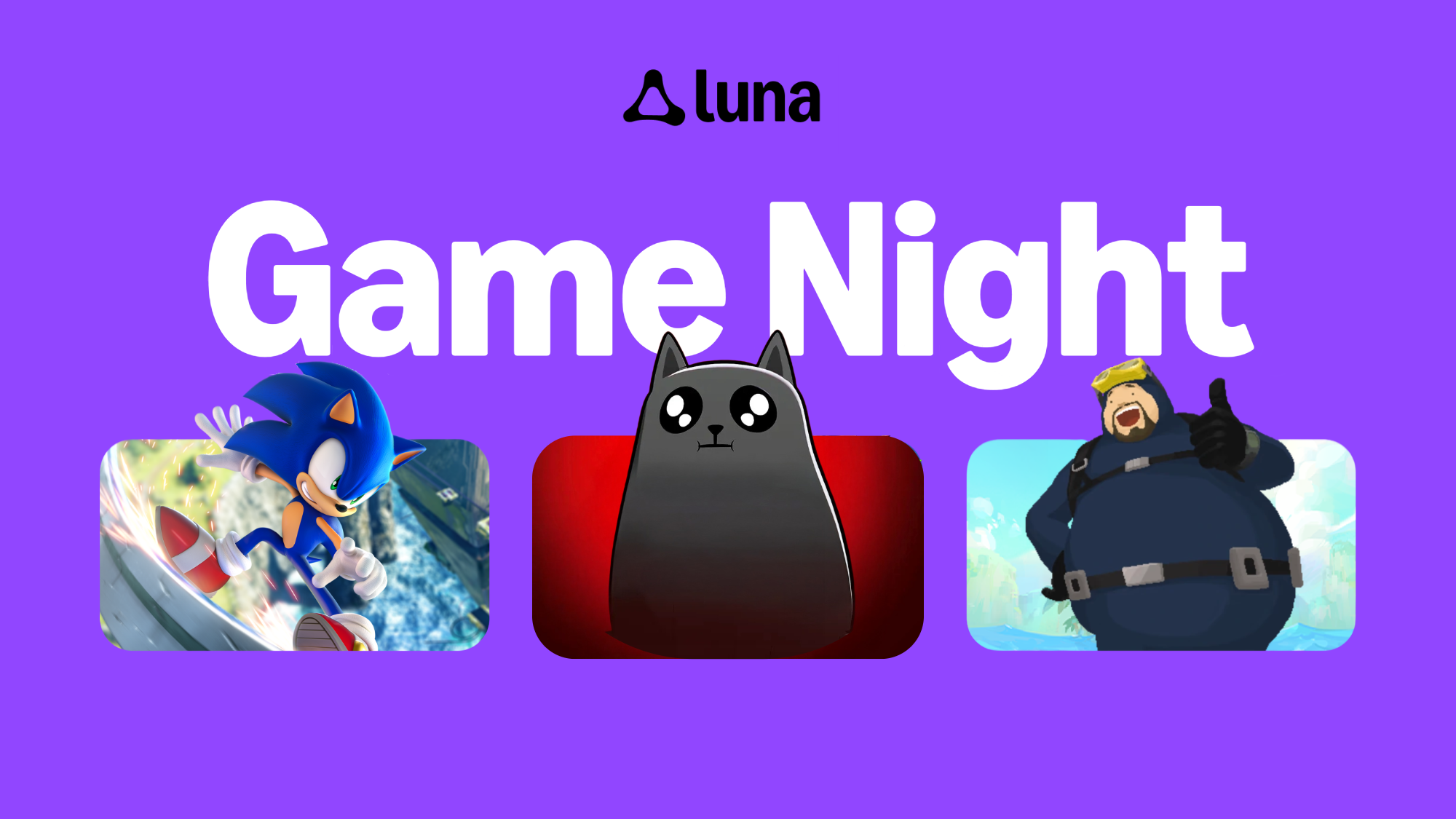
And with GameNight, players can enjoy an evolving collection of more than 45 casual, local multiplayer games designed to bring friends and family together.
Curious about how Amazon Luna? Here's everything you need to know.
What is Amazon Luna?
Amazon Luna is a cloud gaming service that lets you play high-quality video games on devices you already own.
Instead of buying a gaming console or PC, Luna streams games directly from Amazon Web Services (AWS) cloud servers to your screen. Think of it like streaming a movie on Prime Video—except you're playing the game in real time.
Luna first launched in the U.S. in 2022 and has since expanded to 14 countries worldwide.
How does Amazon Luna work?
Amazon Luna works by running games on powerful remote servers and streaming the video and audio to your device over the internet.
When you press a button on your controller, that input is sent to the cloud server, which processes it and sends back the updated game image—all in milliseconds.
Because the heavy processing happens in the cloud on AWS, your device doesn't need to do the heavy lifting. A Fire TV Stick, a laptop, or even your phone can deliver console-quality gaming experiences.
There are no downloads, no updates to install, and no disc drives needed.
How can I play Amazon Luna on Prime Video?
Playing Amazon Luna games on Prime Video is simple—and it's included with your Prime membership at no extra cost.
Here's how to get started:
- Open the Prime Video app on your Fire TV in the U.S. or UK.
- Find the new "Games" tab—it sits right alongside your shows, movies, and sports.
- Pick a game and play in seconds—no downloads, no purchases, no console required. Just use a controller or your phone.
More devices, countries, and games are on the way.
What devices can I use to play games on Amazon Luna?
Amazon Luna is available on a wide range of devices, including:
- Fire TV (Stick and Cube)
- Fire tablets
- Windows PC and Mac
- Chromebook
- iPhone and iPad (via web app)
- Android phones and tablets
- Select Samsung and LG Smart TVs
- Select Comcast Xfinity devices (U.S.)
- Rogers Xfinity Stream Box (Canada)
You can play at home or on the go, wherever you have a stable internet connection. Amazon recommends an internet speed of at least 10 Mbps for the best gaming experience.
What games can I play on Amazon Luna?
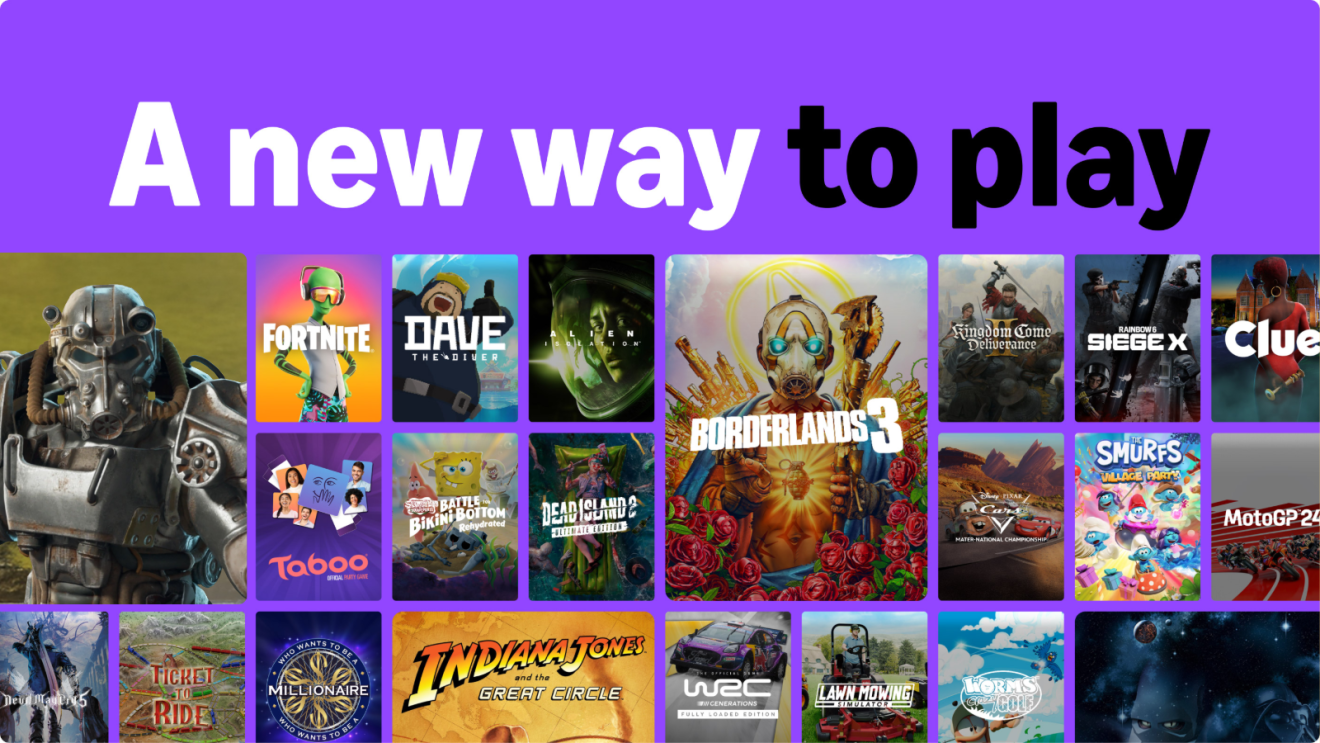
Amazon Luna offers a wide variety of games across genres including action, adventure, sports, indie, and family-friendly titles.
Here's what's available:
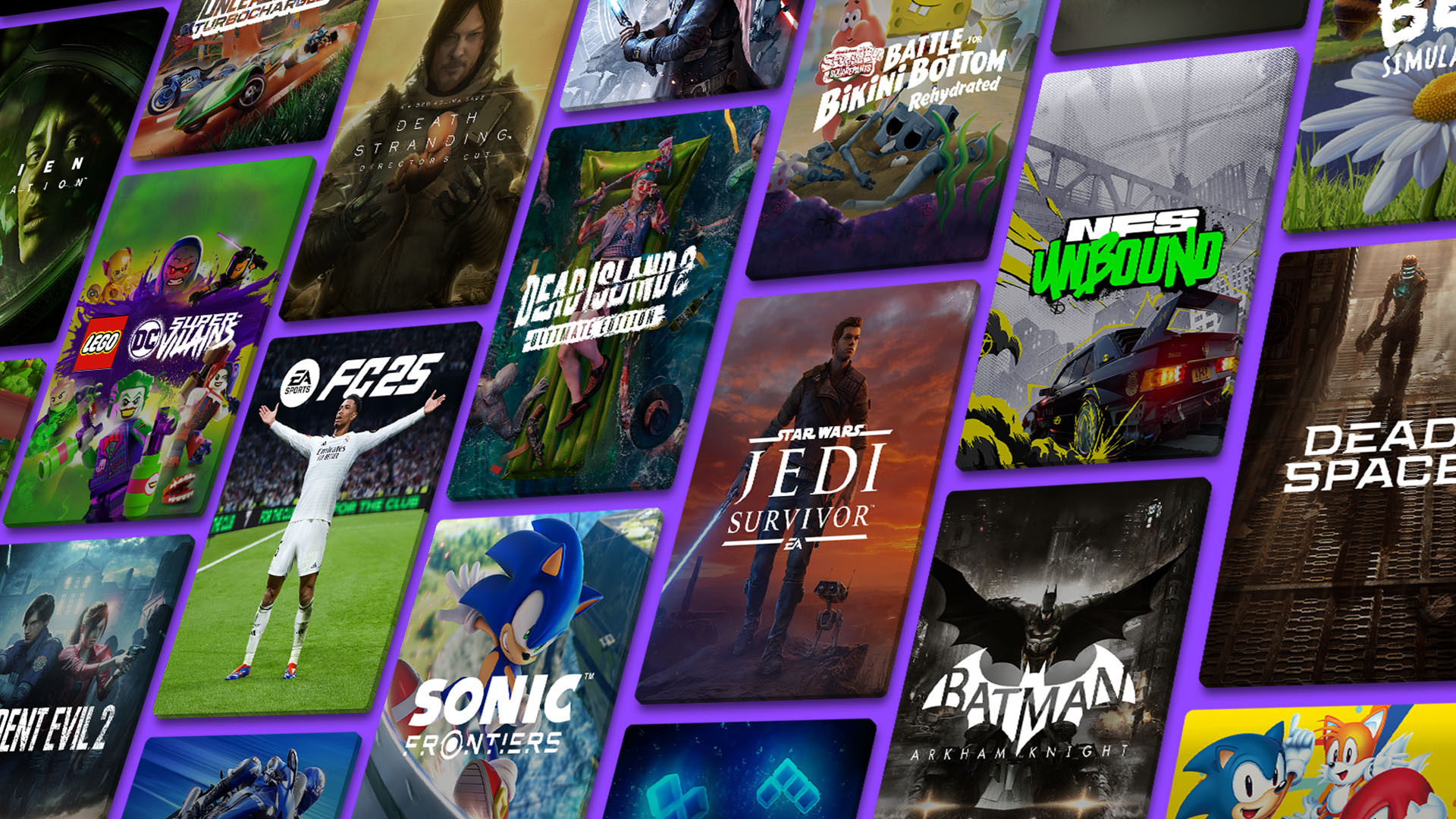
- Luna Standard (60+ games): Luna Standard is included free with your Amazon Prime membership and includes games like Assassin’s Creed Mirage, Hogwarts Legacy, Kingdom Come: Deliverance II, and Dispatch, Sonic Mania Plus, and Rise of the Tomb Raider, alongside a growing catalog of recently released blockbusters, popular classics, and indie gems.
- Luna Premium: An even larger library of titles, including Sonic Superstars, Star Wars Jedi: Survivor, and Batman: Arkham Knight.
How much does Amazon Luna cost?
Here's a breakdown of Amazon Luna pricing:
- Luna Standard: Included with your Amazon Prime membership
- Luna Premium: $9.99 per month
- Ubisoft+: $17.99 per month
- Jackbox Games: $4.99 per month
Prime members can start playing immediately at no additional cost.
Prices may vary in different territories, so be sure to check your local Amazon website for pricing information for your country.
What is GameNight on Amazon Luna?
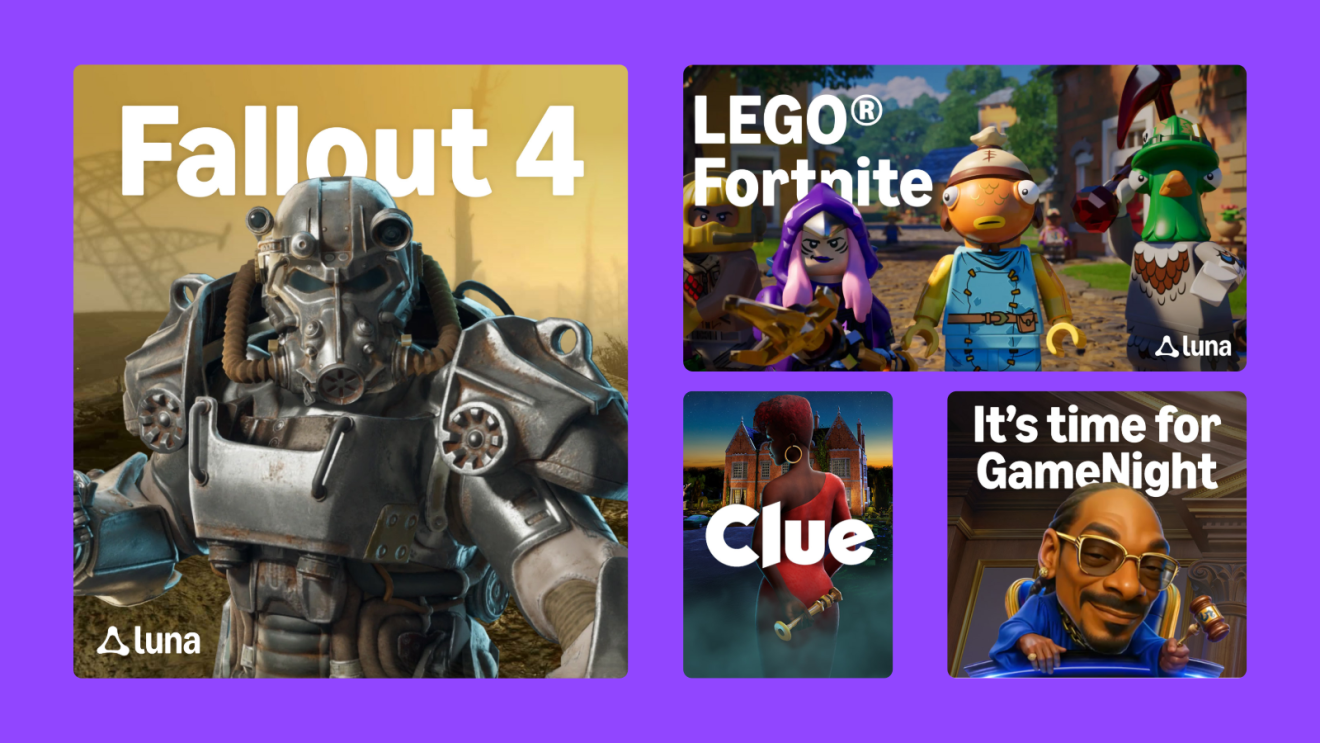
GameNight is a collection of local multiplayer games on Amazon Luna, featuring exclusive titles developed by Amazon Game Studios.
GameNight includes fresh spins on familiar favorites like Angry Birds Flock Party, Draw & Guess, and The Jackbox Party Pack 9, alongside board-game classics including Ticket to Ride, Exploding Kittens 2, and Clue.
It also includes Courtroom Chaos: Starring Snoop Dogg, where players use their voices to invent absurd characters and spin wild stories in front of Judge Snoop Dogg.
Do I need a controller to play Amazon Luna?
It depends on what you're playing:
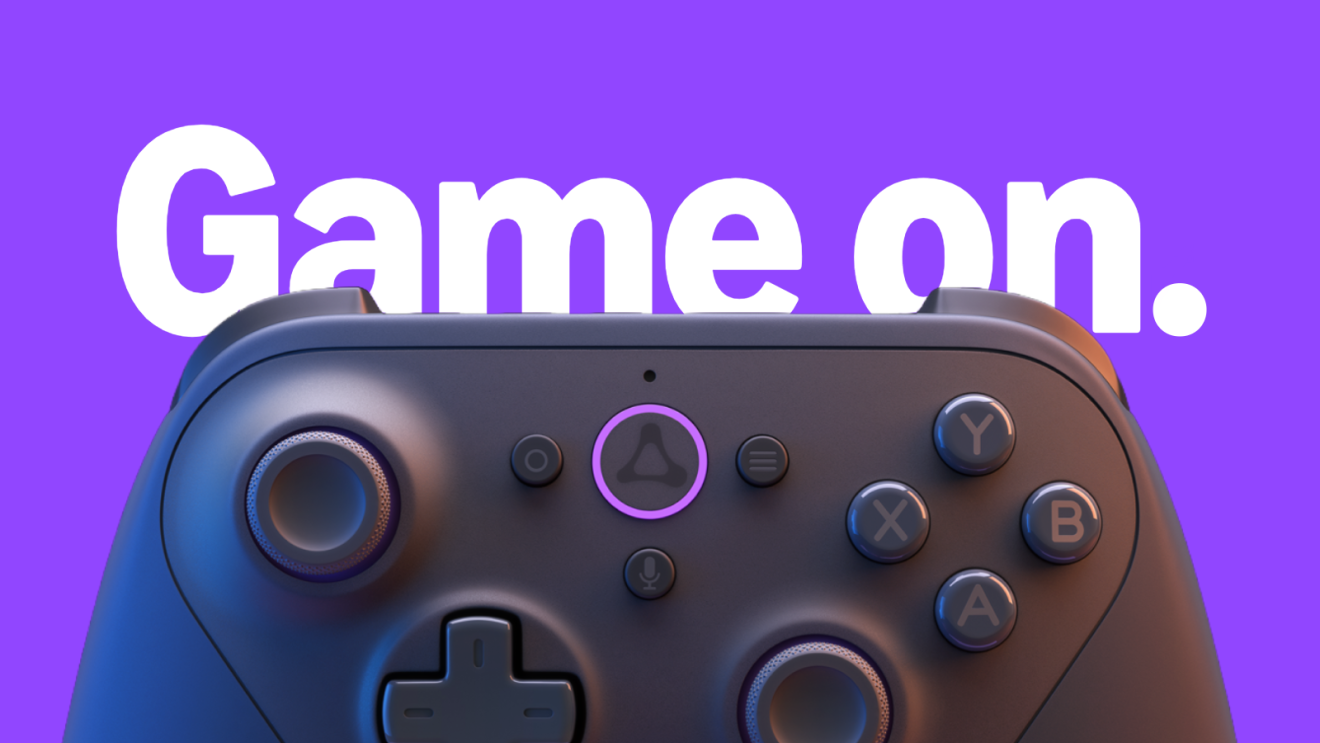
- GameNight games: No controller needed. Your phone becomes your controller via QR code.
- All other Luna games: You'll need a controller or mouse and keyboard.
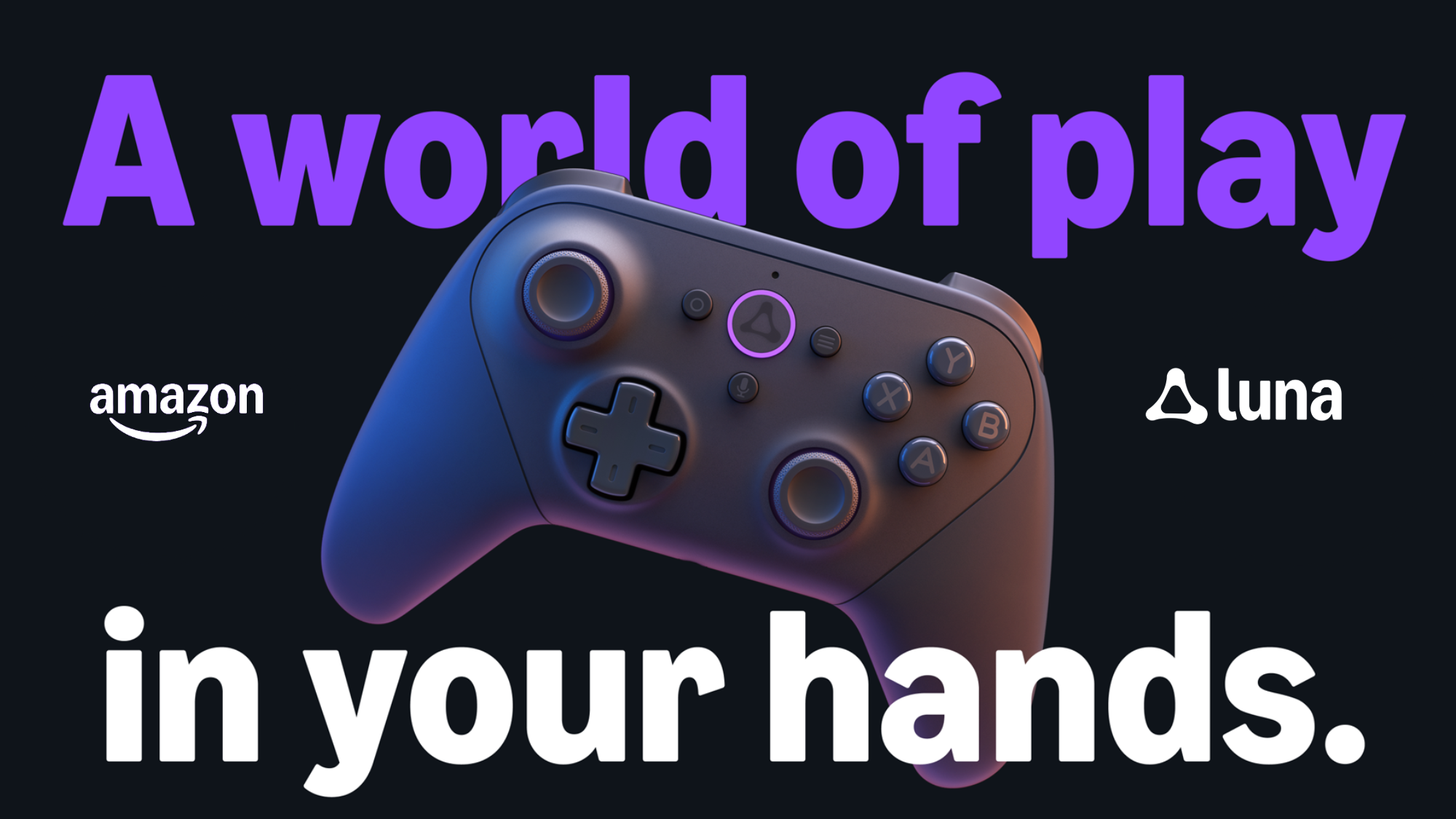
The Luna Controller ($69.99) is designed by Amazon and optimized specifically for cloud gaming. It connects directly to the cloud server using cloud direct technology and a multiple-antenna design that prioritizes uninterrupted Wi-Fi for lower-latency gameplay.
You can seamlessly switch between screens—such as moving from a Fire TV to a mobile phone—without additional pairing or configuration changes.
Other compatible controllers include:
- Xbox controllers
- PlayStation 4 and PlayStation 5 controllers
- Razer Kishi Mobile Game Controller
You can also download the free Luna Phone Controller app from the Amazon, iOS, and Android app stores.
Where is Amazon Luna available?
Amazon Luna is currently available in the following countries:
- United States
- United Kingdom
- Canada
- Germany
- France
- Italy
- Spain
- Austria
- The Netherlands
- Poland
- Sweden
- Portugal
- Belgium
- Luxembourg
How can I play Amazon Luna on Prime Video?
Playing Amazon Luna games on Prime Video is simple—and it's included with your Prime membership at no extra cost.
Here's how to get started:
- Open the Prime Video app on your Fire TV in the U.S. or UK.
- Find the new "Games" tab—it sits right alongside your shows, movies, and sports.
- Pick a game and play in seconds—no downloads, no purchases, no console required. Just use a controller or your phone.
More devices, countries, and games are on the way.
How do I start playing Amazon Luna?
Getting started with Amazon Luna is simple:
- Visit luna.amazon.com or open the Luna app on a supported device.
- Sign in with your Amazon account.
- If you're a Prime member, start playing from the included library immediately.
- Choose a game, grab your controller (or phone for GameNight), and play.
Update: This article was originally published on March 29, 2023. It was updated on September 21, 2026 to reflect the latest features and access options of Amazon Luna.
Trending news and stories