
Key takeaways
- Amazon's Hear the highlights feature now lets you ask questions during AI-generated audio product summaries and get real-time answers.
- The new Join the chat experience works via text or voice, and AI hosts pause to answer before resuming.
- The feature is now available on both iOS and Android devices in the U.S.
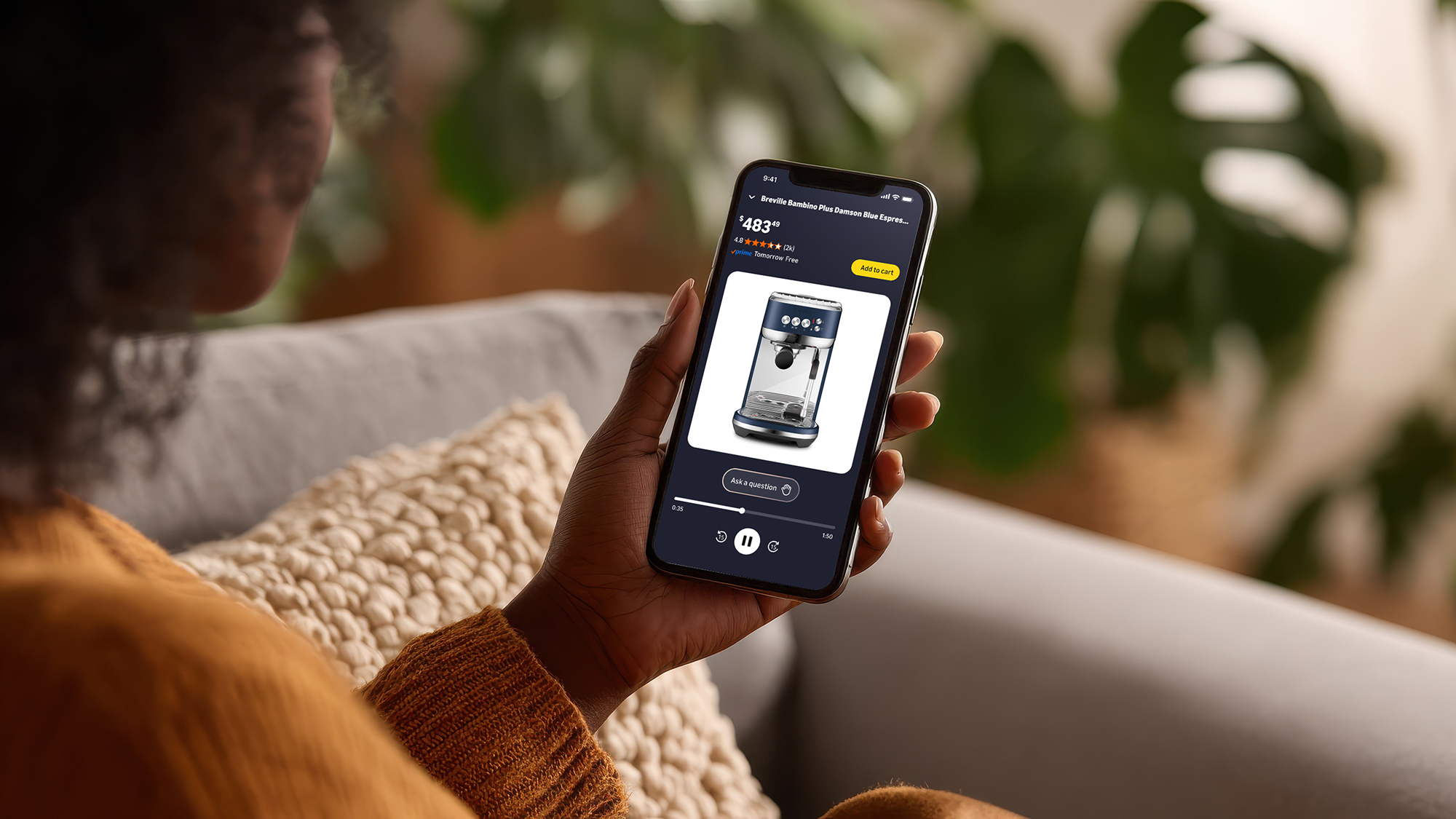
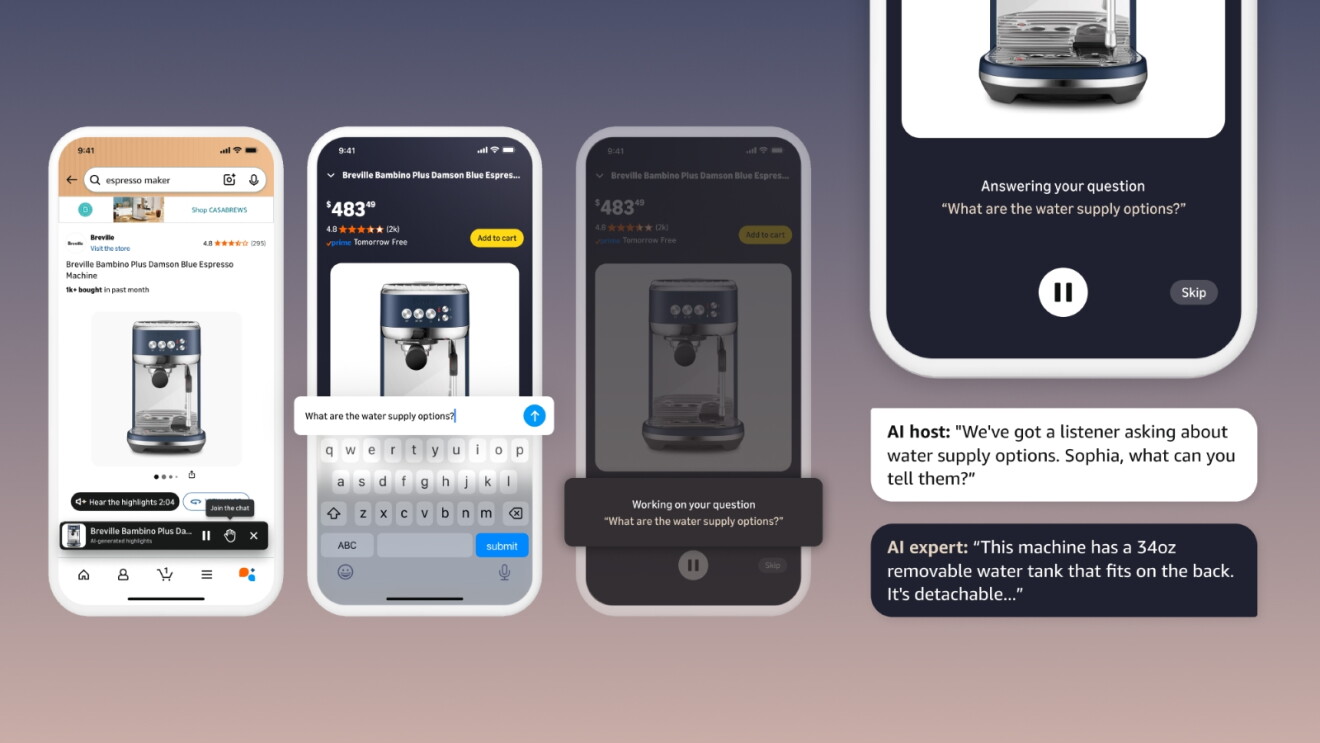
Today, Amazon is launching Join the chat, a new interactive feature in Hear the highlights that allows customers to ask AI hosts questions via text or voice while listening to an audio summary of a product. The AI hosts take the question, deliver an answer in real time, and then pick back up where they left off.
With Join the chat, customers move from listening to participating. At any point in the episode, they can ask a question such as “Is this coffee maker better for a beginner or someone with barista experience?” or “Do people find this sweater itchy?” or "Is this product dishwasher safe?" The AI hosts incorporate the question into the conversation, deliver a tailored response grounded in product details, customer reviews, and other publicly available information, and then seamlessly continue the episode. Customers aren't interrupting the experience—they're part of it.
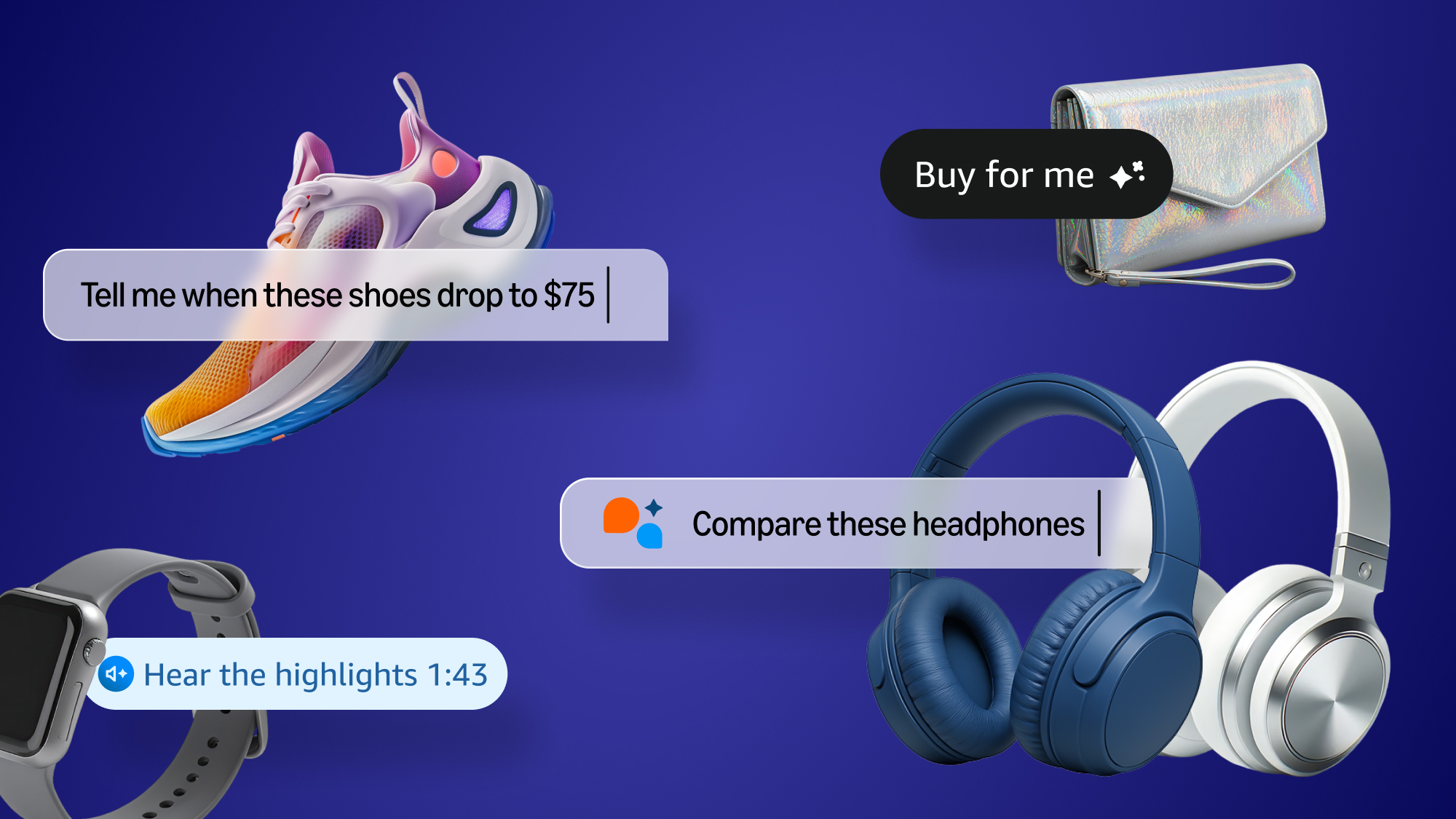
Join the chat also understands context. When a customer asks a question, the AI hosts don't offer a generic answer—they consider what's already been covered and respond with new, relevant information.
Behind the scenes, the experience is powered by several AI technologies working together. Each episode begins with an AI-generated script. When a shopper asks a question, the script adapts in real time to deliver a relevant answer. Advanced text-to-speech technology then brings the response to life, so the hosts reply naturally and match the tone and energy of the original episode.
This approach creates something different: an experience that is both informative and adaptive. Customers can ask questions and actually steer where the conversation goes. Every question they ask influences what comes next, making the experience a conversation customers can join and customize.
About Hear the highlights
Join the chat is a feature of Hear the highlights, which offers short-form audio product summaries on millions of product detail pages, featuring AI-generated hosts that summarize key product features. These hosts draw from product details, customer reviews, and information from across the web to bring products to life. Hear the highlights is available to U.S. customers in the Amazon Shopping app on millions of products.
How do you use Hear the highlights and Join the chat?
- Open the Amazon Shopping app and go to a product detail page.
- Look for the Hear the highlights button below the product image. Not all products have an audio summary available yet.
- Tap play on the Hear the highlights button and listen to a short audio conversation about key product features and who they might be perfect for.
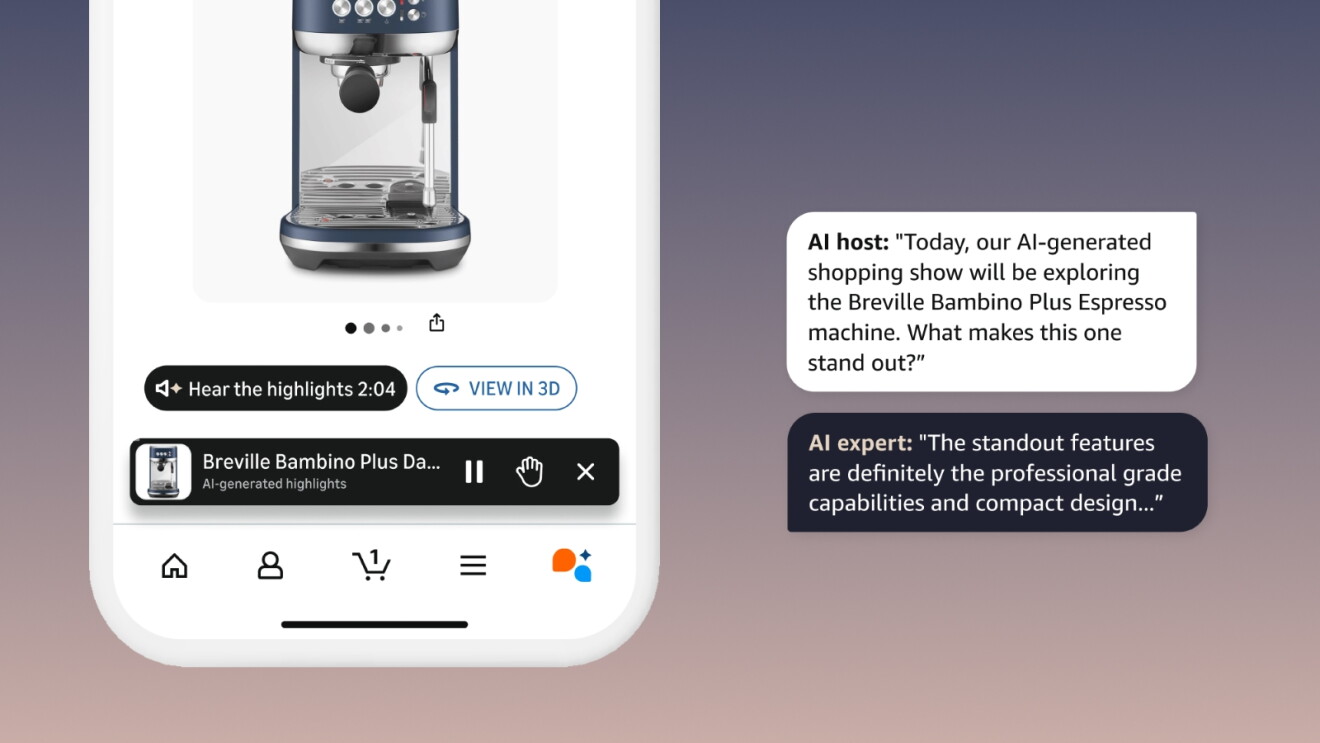
4. To Join the chat, tap the raised-hand icon to expand into the full screen view, then either type your question or use the microphone icon to ask by voice. You can minimize the player at any time and continue listening while you browse on Amazon.
Want to try it yourself? Open any of the products below in the Amazon Shopping app and Join the chat with these sample questions—or ask your own.
- La Roche-Posay Toleriane Purifying Foaming Facial Cleanser: "What is the scent like?"
- BISSELL Little Green Mini Portable Carpet and Upholstery Deep Cleaner: "Is it good for pet owners?"
- Soundcore P30i by Anker Noise Cancelling Earbuds: "How do they work for phone calls?"
- Ninja Luxe Café Premier 3-in-1 Espresso Machine: "Is it easy to clean?"
- Dreo Smart Humidifiers for Bedroom: "Can it be used with essential oils?"
Join the chat is rolling out to U.S. customers on iOS and Android today. Open the Amazon Shopping app to try it.
Trending news and stories
- Investing more than $230 million in higher pay and expanded benefits for Whole Foods Market team members
- Millions of students can now get access to a free year of Kiro from AWS
- Cybersecurity expert Kevin Mandia joins Amazon's Board of Directors
- Amazon’s 2026 Top 100+ Toys list: Something for every kid at heart