
Key takeaways
- Customers around the world can customize their Prime Video experience by signing up for subscriptions.
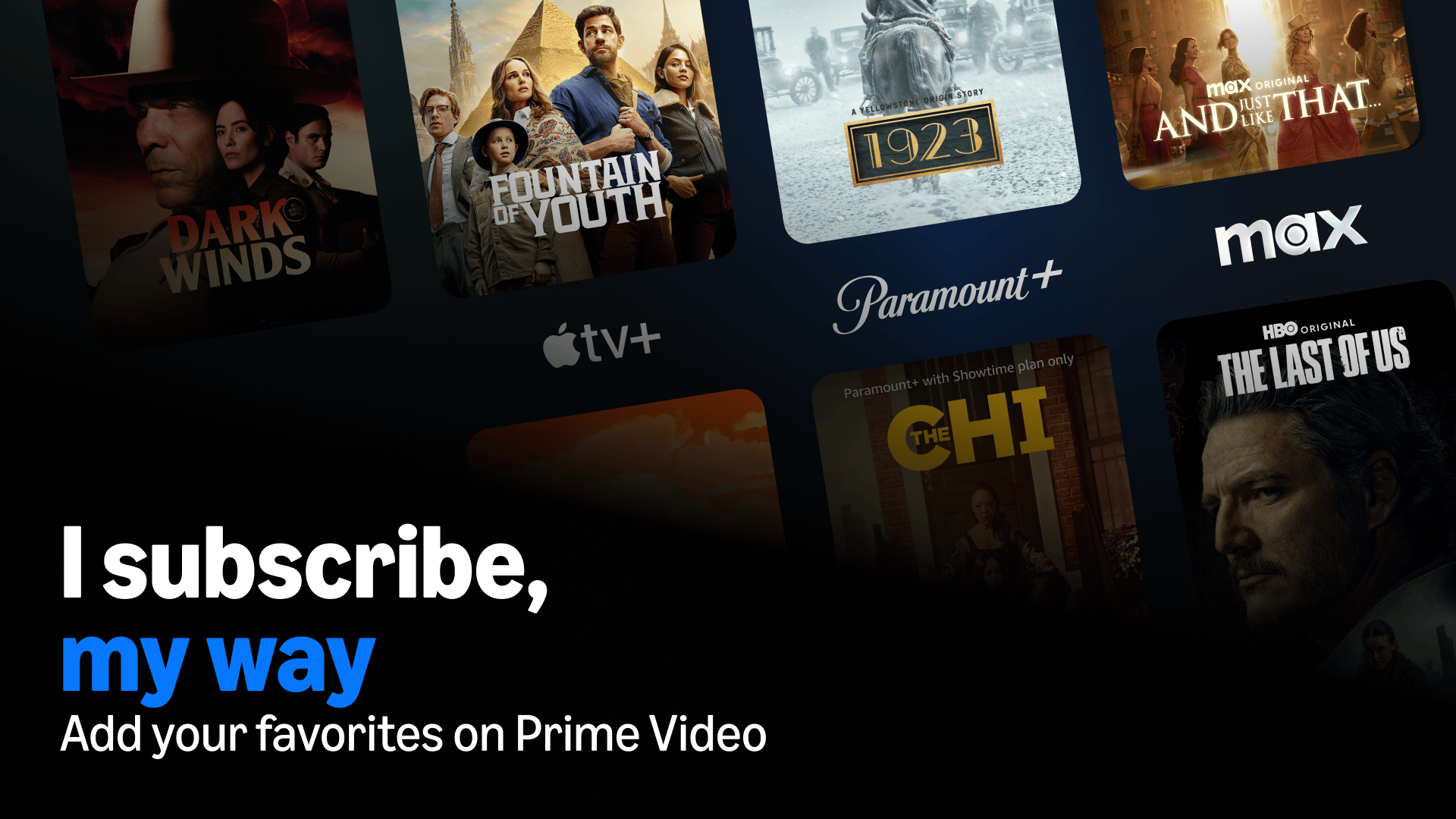
- Premium content is available from streaming services like HBO Max, Apple TV, Peacock Premium Plus, FOX One, and more.
- Customers can access content and manage subscriptions in one place and cancel anytime.
Prime Video is a first-stop entertainment destination offering customers a vast selection of premium movies, series, live sports, and free ad-supported (FAST) Channels in one app across thousands of devices in the U.S.
Customers can discover Prime Originals from Amazon MGM Studios alongside an unmatched library of licensed movies and series; Prime-exclusive tier 1 live sports; and playback features like X-Ray and Shop the Show that enhance the viewing experience.

In the U.S., all customers, with or without Prime, can also access 100+ streaming subscriptions (AMC+, Apple TV, FOX One, HBO Max, MGM+, Paramount+, Peacock Premium Plus, STARZ, Wonder Project, and more), 900+ FAST Channels, and the largest selection of titles available to rent or buy.
With subscriptions on Prime Video, you can conveniently enjoy premium content available from popular streaming services in one place.
What are subscriptions on Prime Video?
Customers around the world can access a wide selection of content available from streaming services in one unified experience. In the U.S. this includes HBO Max, Apple TV, Peacock Premium Plus, FOX One, MGM+, and Paramount+.
That means you won’t need to download additional apps and no cable is required—you’ll be able to access all your content and manage your subscriptions directly from your Prime Video account, which makes for a smoother and easier experience. These are additional, paid subscriptions, but there are also free options.
What subscriptions on Prime Video are available and what’s the cost?
Here’s a list of some of the options that are currently available in the U.S. and how much they cost to add on at time of publishing. Please check the subscriptions page for the latest information.
- HBO Max: $10.99 a month (Basic); $18.49 a month (Standard)
- Apple TV: $12.99 a month
- Peacock Premium Plus: $16.99 a month
- FOX One: $19.99 a month
- STARZ: $10.99 a month
- Paramount+: $7.99 a month (Essential); $12.99 a month (Premium)
- MGM+: $7.99 a month
- Crunchyroll: $7.99 a month (Fan); $11.99 a month (Mega Fan)
- AMC+: $6.99 a month (with ads); $9.99 a month (no ads, except live TV and a few shows)
- BET+: $5.99 a month (limited ads); $10.99 a month (no ads)
- ViX Premium: $5.99 a month (with ads); $8.99 a month (no ads)
- Wonder Project: $8.99 a month
- BritBox: $10.99 a month
- PBS KIDS: $4.99 a month
- CNN All Access: $6.99 a month

There are also several streaming bundle options that help customers save money while accessing more content. They include, among others:
Are subscriptions on Prime Video available internationally?
Yes. In addition to the U.S., subscriptions on Prime Video are available in the UK, Germany, Austria, Japan, Canada, Mexico, France, Brazil, Italy, Spain, the Netherlands, Australia, India, Sweden, Poland, Belgium, Chile, Colombia, New Zealand, Finland, Argentina, Denmark, Norway, and Switzerland.
Availability varies by region but some popular subscriptions internationally include HBO Max, Apple TV, Paramount+, SkyShowtime, MGM+, Crunchyroll, and BritBox. Please check your local Amazon website for availability and pricing in your territory.
How do I sign up for subscriptions on Prime Video?
Signing up for subscriptions on Prime Video is simple. Just sign in to your Prime Video account on the web, click on the Subscriptions tab in the top navigation bar, and browse through all the options available. Once you find content that you might want to watch, click on it and follow the on-screen prompts to subscribe in your Prime Video account. Only pay for the ones you want and cancel anytime.
Once you’ve subscribed, you’ll be able to access content and manage subscriptions straight through the Prime Video app on any compatible device.
Prime Video is one of many benefits included with a Prime membership which bundles savings, convenience, and entertainment. U.S. Prime members can share benefits, including Prime Video, through Amazon Family.
Update: This article was originally published on December 29, 2022. It was updated on September 17, 2026, with information on a new bundle. Christian de Looper contributed to an earlier version of the story.
Trending news and stories
- Prime Big Deal Days is back October 6-7: Here’s what to expect
- Sellers can now manage sales across Amazon, eBay, Shopify, TikTok, and Walmart from Seller Central
- Amazon raises minimum starting pay for full-time core operations employees to $20/hour, with average pay reaching nearly $24/hour
- Prime Big Deal Days 2026: Early deals you can shop right now