
Key takeaways
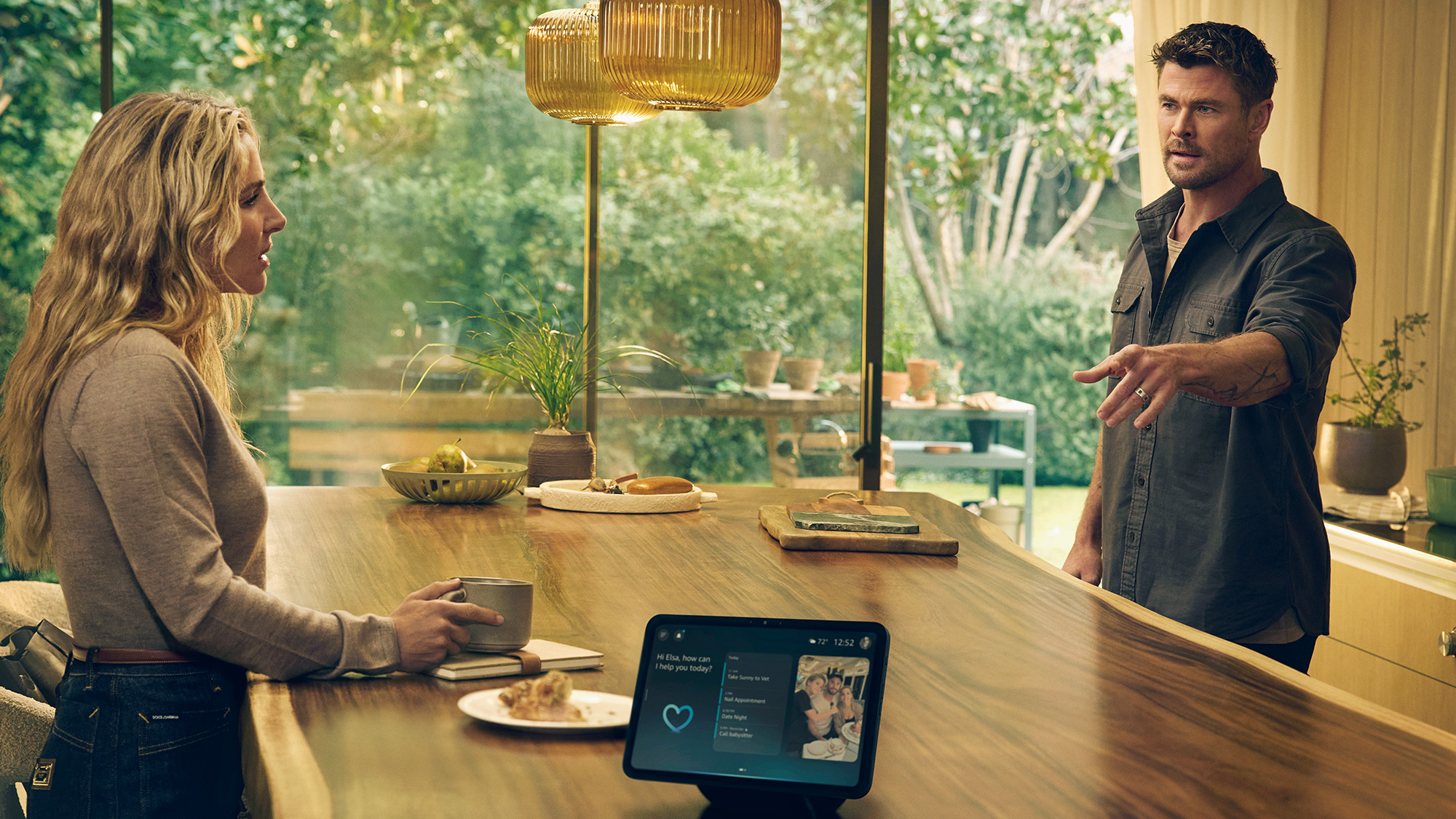
- Chris Hemsworth and Elsa Pataky star in Amazon’s Big Game ad, imagining outlandish disasters with Alexa+ until he realizes what Alexa can actually do to make everyday life easier.
- Alexa+ helps with game day prep, from creating menus to real-time updates during the game.
- Fire TV and Alexa+ let you navigate to the game hands-free and control your viewing experience.
During this year’s big game, Amazon is introducing millions of viewers to the all-new Alexa+, but what happens when you introduce a powerful new AI into your home? If you're Chris Hemsworth, your imagination runs wild.

In the commercial that will air during the third quarter of the game, Chris Hemsworth comes home to find his wife Elsa Pataky chatting with the new Alexa+, and he's immediately convinced Alexa+ is plotting against him. Chris imagines increasingly outrageous and comedic scenarios. Elsa? Completely unconvinced. By the end, Chris realizes Alexa+ isn't out to get him—she's actually helpful in everyday life.
Ways Alexa+ can improve your game day experience
Game day chaos is real—but Alexa+ can handle it. From the moment you start planning, here's how Alexa+ keeps everything running smoothly:
- Before the Big Game, ask Alexa+ to help plan the watch party. Alexa can offer recipe inspiration, build a menu and shopping list, and create a timeline for when certain dishes need to be started so everything's ready for kickoff.
- Skip the last-minute grocery run. Ask Alexa+ to suggest recipes based on what's already in your fridge or ideas that are vegetarian, gluten-free, or kid-friendly based on your guests. Ask to have the ingredients added to your Amazon Fresh or Whole Foods cart and quickly place the order for delivery.
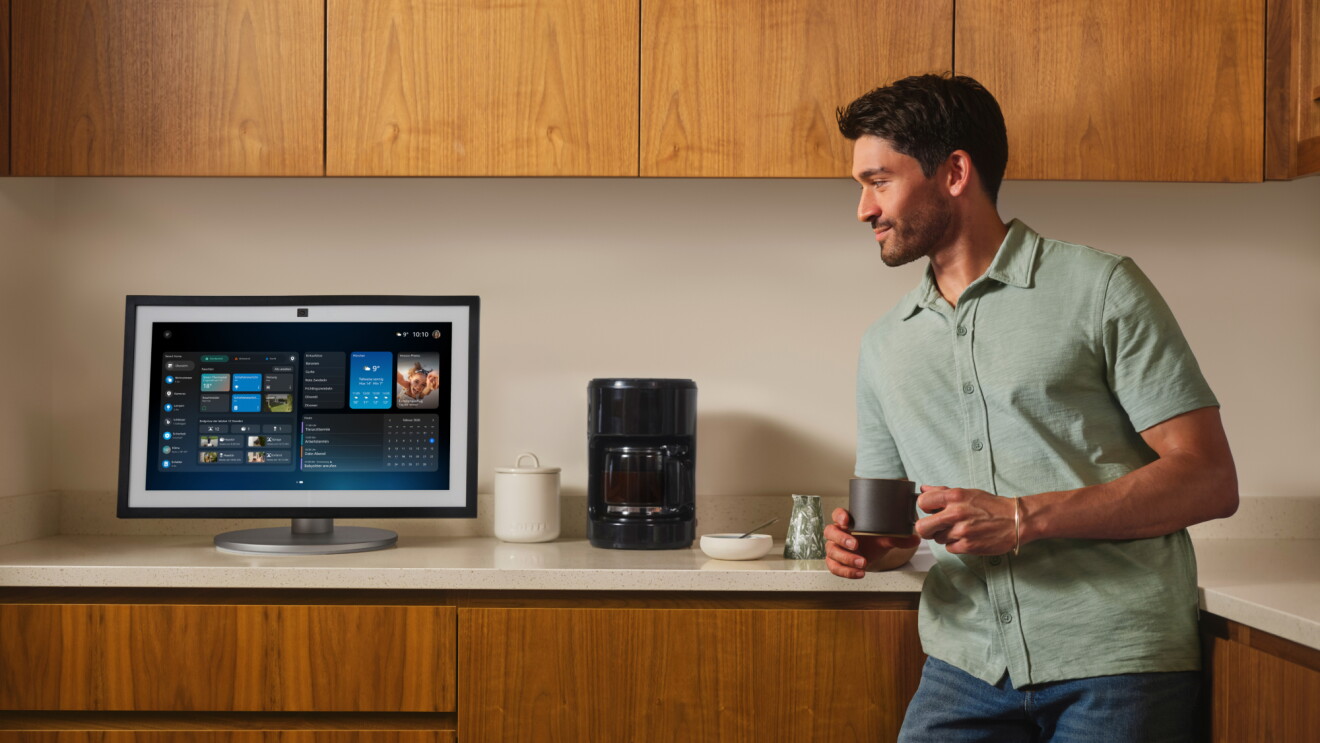
- Stay in control without leaving the couch. Ask Alexa+ to set timers, pause the music when the game starts, remind you to check the oven at halftime, or dim the lights for optimal TV viewing.
How to watch the Big Game with Alexa+ and Fire TV
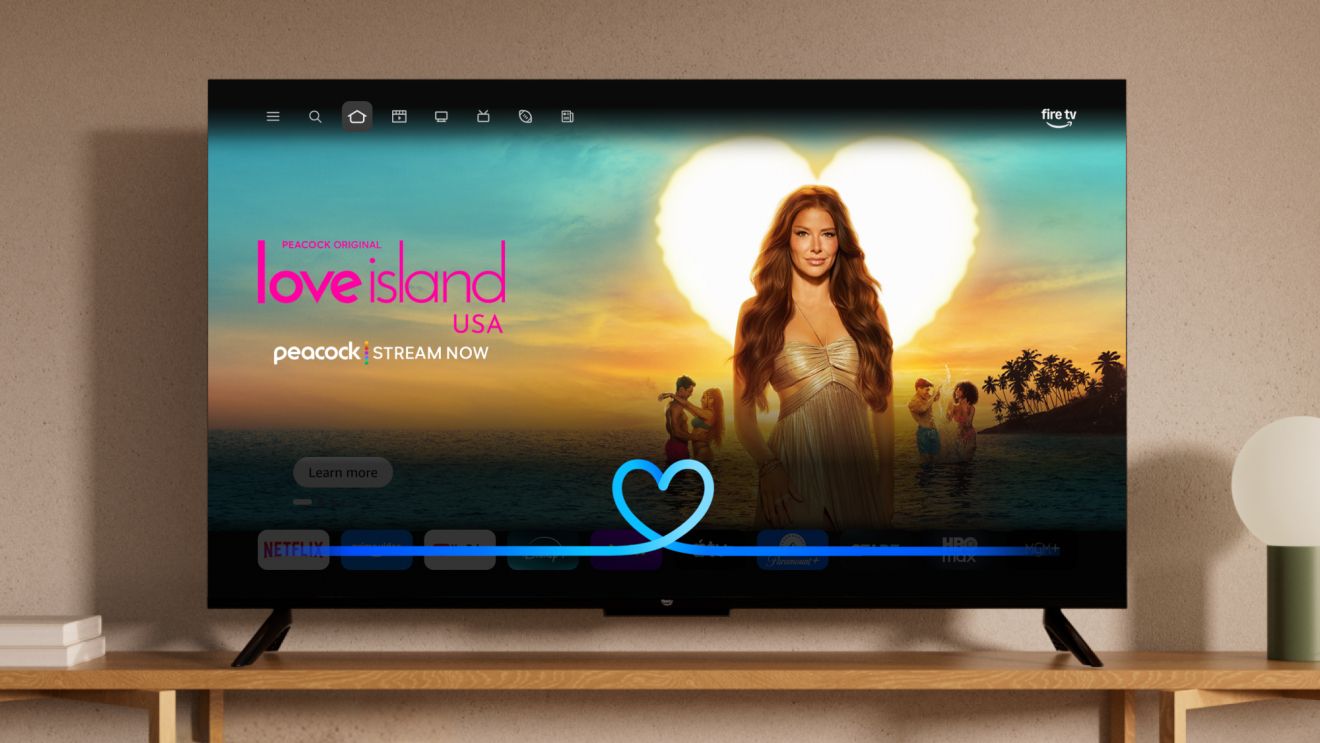
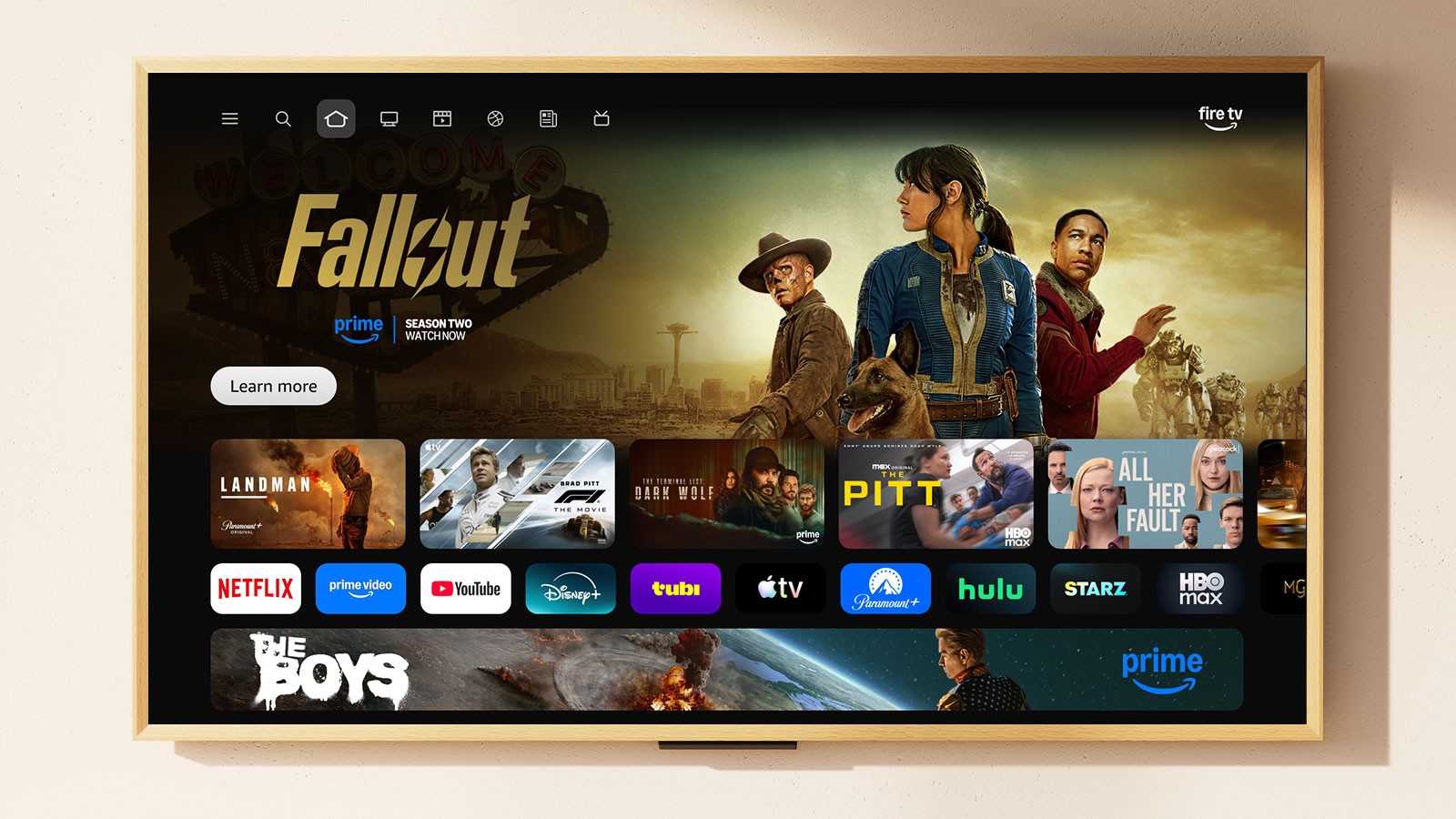
Fire TV and Alexa+ can help you quickly and easily navigate to the game, so you can spend less time searching and more time watching.
- No cable, no problem. If you plan on streaming the game live, get ready beforehand by downloading and subscribing to the app you plan to watch the game on, such as Hulu, Peacock, YouTube TV, or other live TV streaming services.
- Voice control at your fingertips. Simply press the Alexa button on your remote and use your voice to get straight to the game, adjust the volume, pause for those crucial replays, or even dim your compatible smart home lights when it's game time.
- Alexa+ fills knowledge gaps in real time. During the game, ask for updates like how much time is left in the quarter, what a penalty in football means, who just scored and how, or why everyone is talking about a specific play.
- Never miss a delivery—or a touchdown. Don't let a doorbell interrupt your game-watching flow. Link your Ring Doorbell to the Alexa app and get alerts on your compatible Echo device or Fire TV when someone's at the door. Perfect for catching food deliveries without missing a play or greeting guests without the scramble.
- Missed Bad Bunny's halftime performance? Ask Alexa to play his music.
- Ready to watch something else? You can ask Alexa to give you a quick score update even if you choose to change the channel.
Don’t miss out on the latest with Alexa+
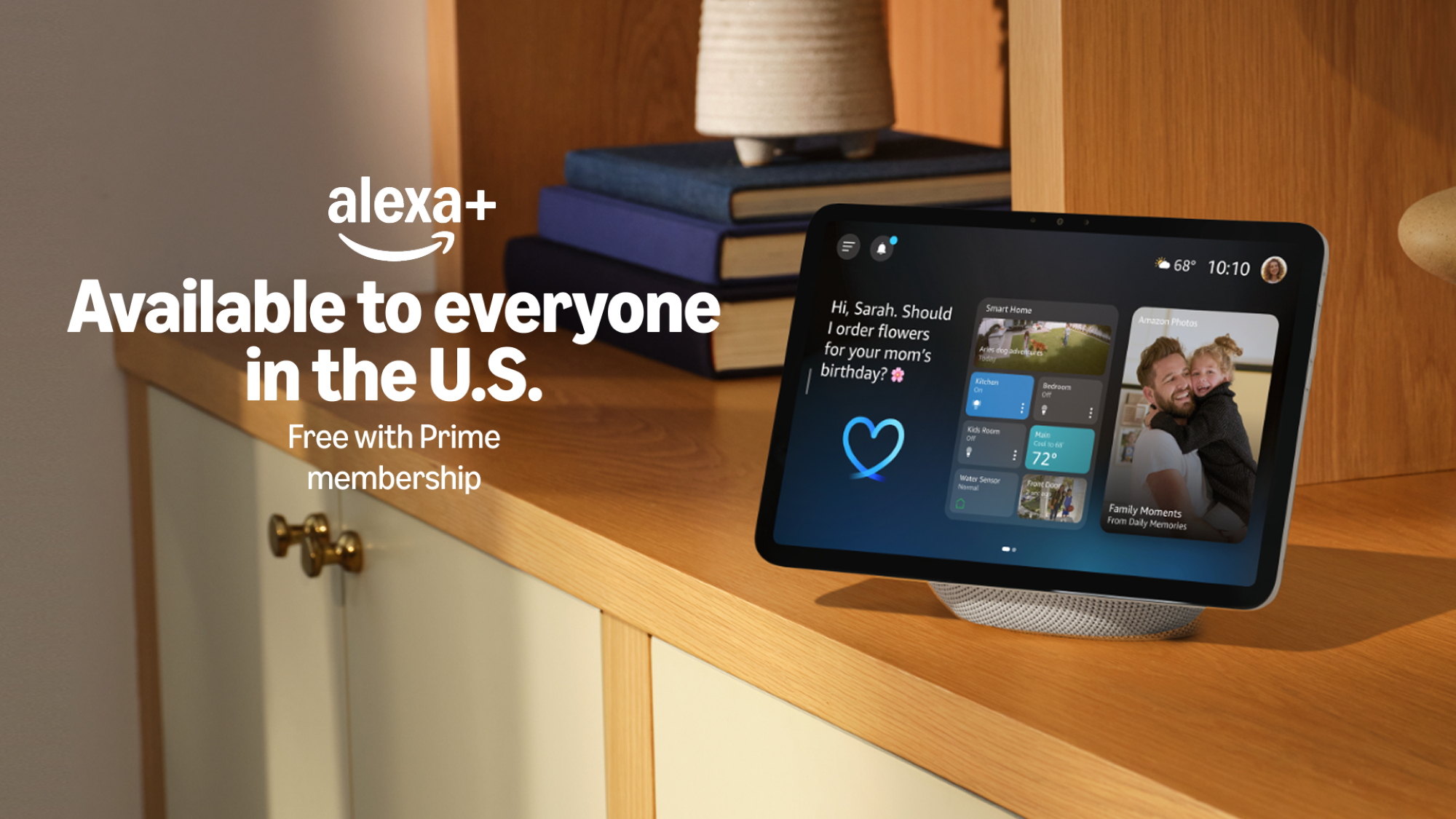
Alexa+ is now available to everyone in the U.S. and free for Prime members. Prime members can start using Alexa+ by saying, “Alexa, upgrade to Alexa+” on their Alexa-enabled device or by logging into their Amazon account at Alexa.com. For customers without a Prime membership, try Alexa+ through a new free chat experience at Alexa.com and in the Alexa app.
Trending news and stories
- Amazon is giving every US employee a discount on groceries
- Amazon raises minimum starting pay for full-time core operations employees to $20/hour, with average pay reaching nearly $24/hour
- Prime Big Deal Days is back October 6-7: Here’s what to expect
- Prime Big Deal Days 2026: Early deals you can shop right now