Key takeaways
- Anyone can join Prime for $14.99 per month or $139 per year if you pay annually.
- There are discounted options for young adults and qualifying government-assistance recipients.
- Benefits include delivery, entertainment, Prime-exclusive deals and savings, and more.
Prime takes the very best of what Amazon offers and gives members fast, free delivery, savings, convenience, and entertainment, all in one affordable membership.
Whether you love to shop, stream, or search for the best deals and discounts available, there are many benefits that make a Prime membership worthwhile.
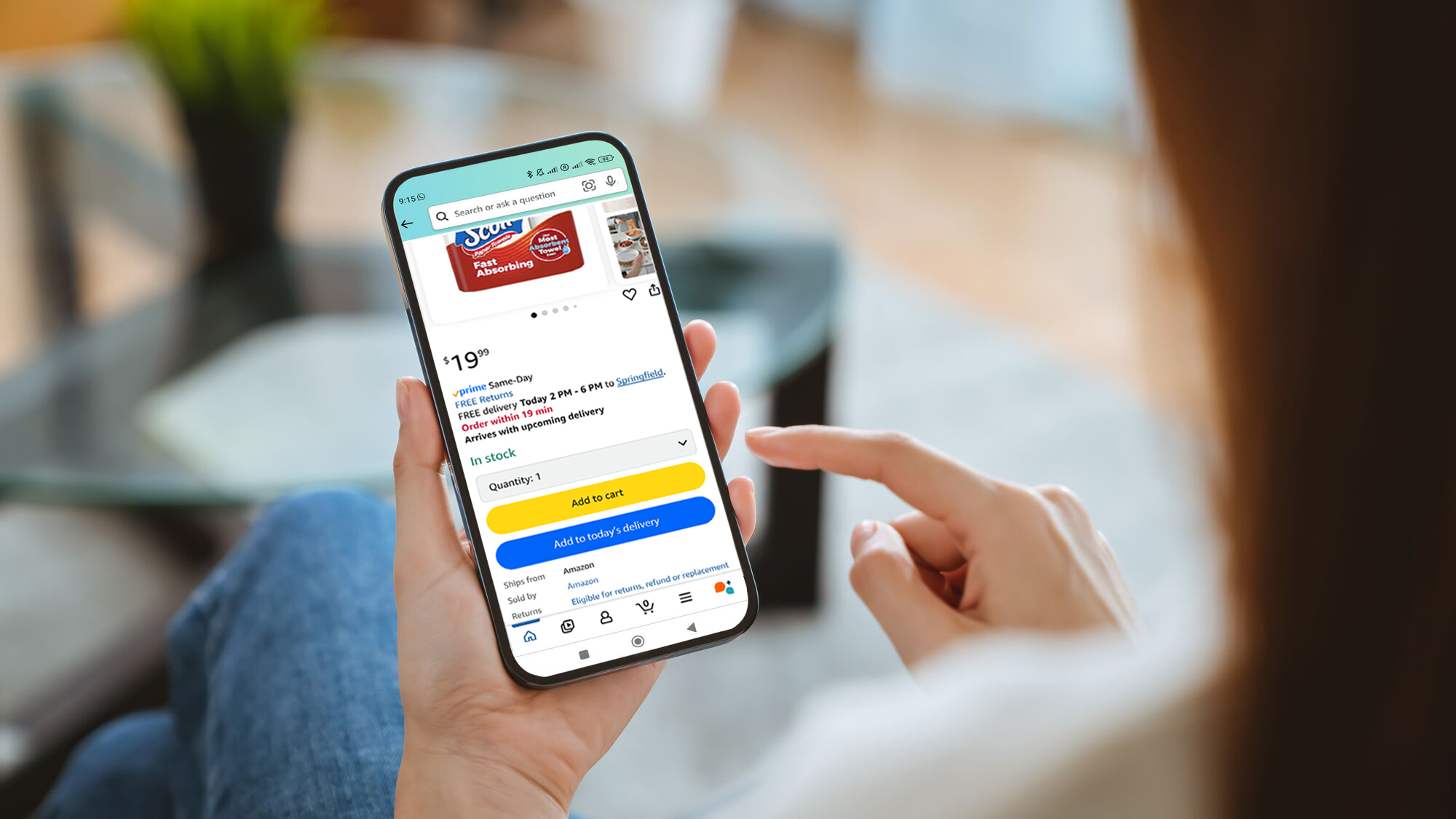
Ready to start enjoying all of these benefits and more? Below you’ll find instructions on how to sign up for a Prime membership.
How to sign up for a Prime membership on a mobile browser
Are you on a smartphone and want to sign up for Prime? Follow these steps.
- Use your mobile browser and navigate to amazon.com/prime
- Before you sign up for Prime, you need an Amazon account. If you already have one, skip to step five.
- Select the “Create Account” option.
- Enter the requested information and tap “Continue.”
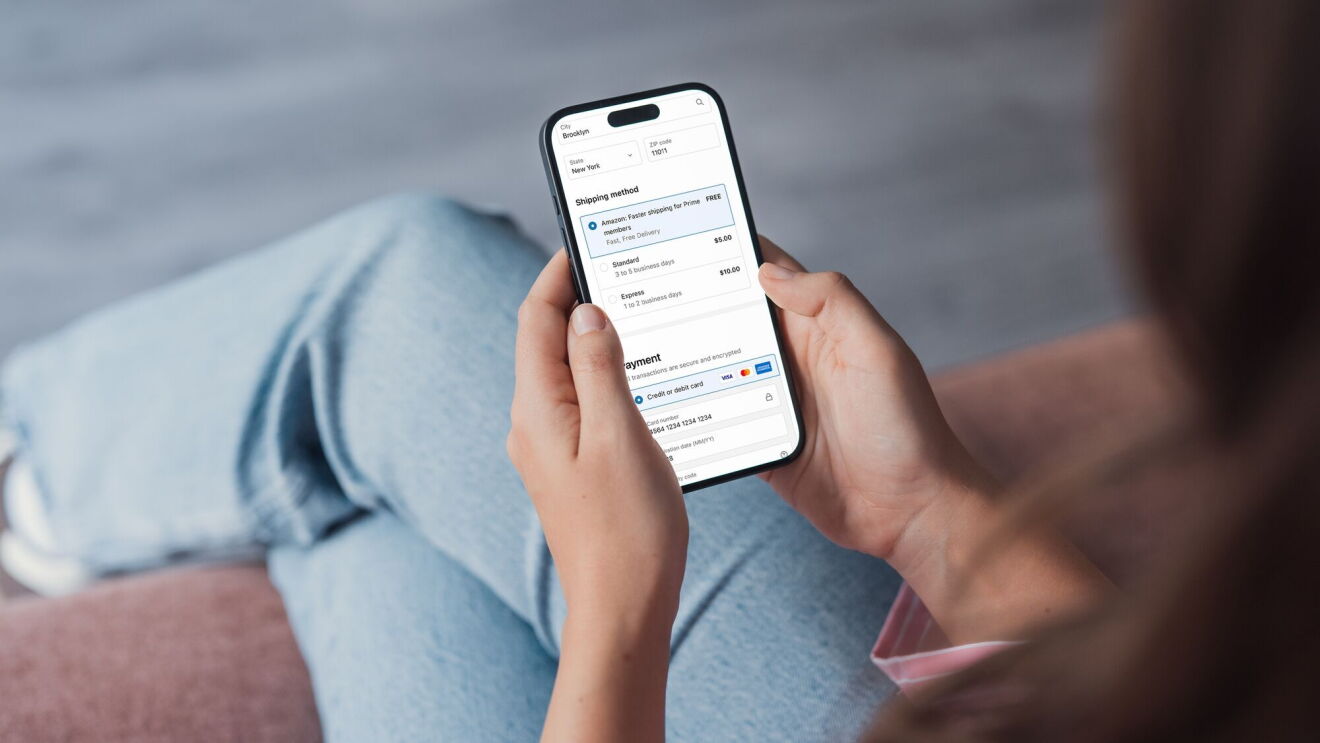
- Tap on the three-line menu button on the bottom right of the screen and tap “Try Prime.”
- Tap “Prime Free Trial” and follow the on-screen instructions to choose your membership and confirm your billing and shipping address.
- You’ll be automatically charged for Prime after the free trial period, cancel anytime.
- Download the Amazon app for an even better shopping experience.

How to sign up for a Prime membership on desktop
Do you prefer to use a computer to sign up for Prime? Thankfully, it’s easy to do so on the desktop too. Here’s how.
- Navigate to Prime membership page in your internet browser. If you are not already an Amazon customer, you will need to create an account.
- Hover over the “Hello, sign in. Accounts & lists” button on the top right of the screen. Tap the “Start Here” button next to the “New Customer?” prompt.
- Enter the requested information and tap the “Continue” button.
- When you’re signed up, once again hover over the “Hello [your name]” button. Click on the “Prime membership” button in the drop-down menu.
- Follow the on-screen prompts, choosing the type of Prime membership you want and entering your credit card information.
- Confirm your billing and shipping address.
- You’ll be automatically charged for your membership after the free trial period.
In the U.S., anyone can join Prime for $14.99 per month, or $139 per year if you pay annually. Amazon also offers additional, discounted membership options providing the exact same, valuable benefits of a regular Prime membership—including free delivery on more than 300 million items, exclusive deals, and savings for eligible members—at only 50% of the cost.
Young adults (ages 18-24) and college students can try a discounted Prime membership with a six-month trial, then pay a discounted rate of $7.49 per month, or $69 per year. Qualifying government assistance recipients can try Prime Access for 30-days before paying $6.99 per month. For more information about Prime, including discounted memberships, visit aboutamazon.com/prime.
Next, learn everything you need to know about the shopping benefits that come with a Prime membership.
Trending news and stories