
Key takeaways
- The new Kindle Scribe is 40% faster and features AI-powered tools to get more out of your notes.
- Customize your reading experience with system-wide Dark Mode.
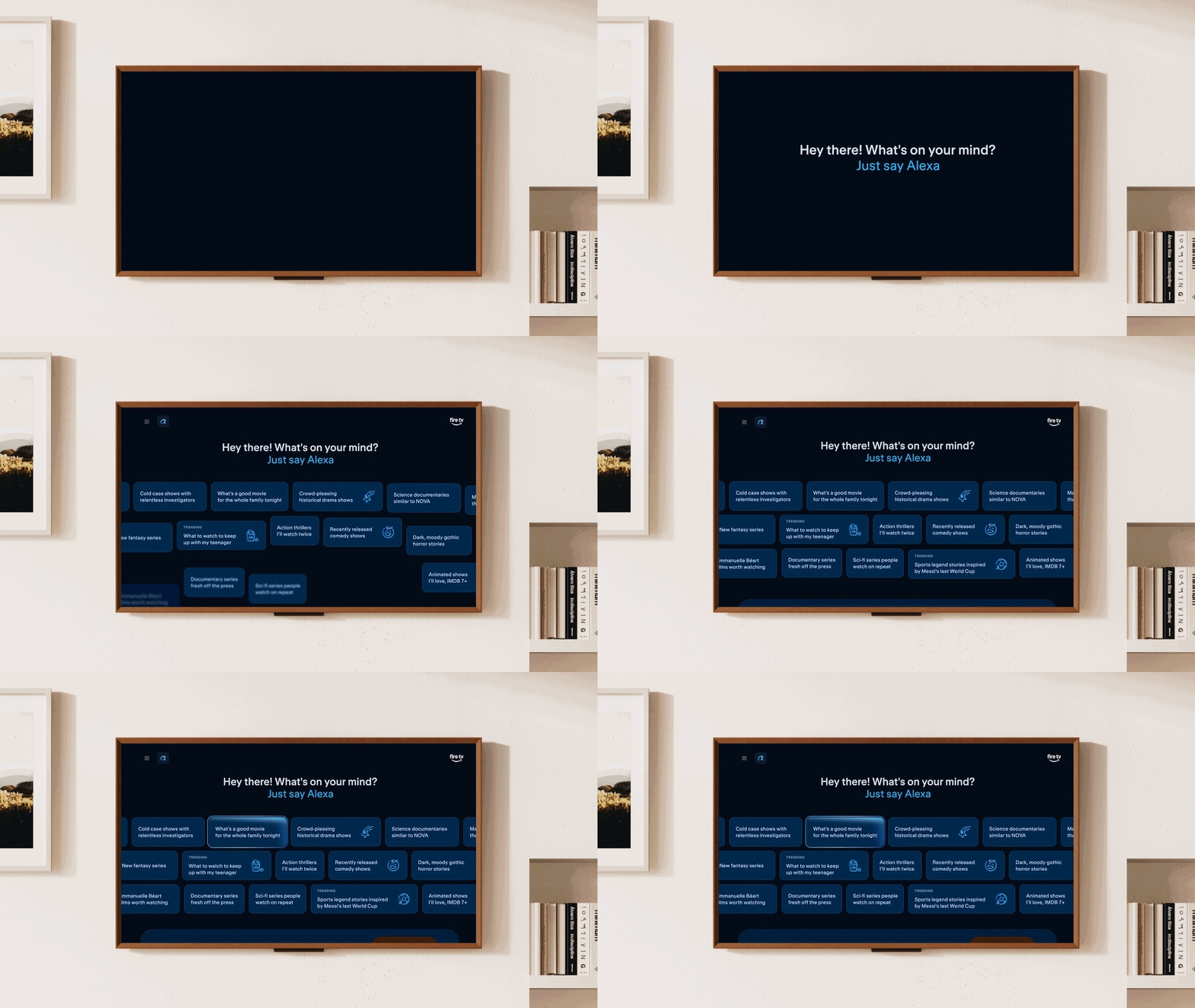
- Send notes to Alexa to create to-do lists, calendar events, and reminders automatically.
- Import and export documents with Google Drive and Microsoft OneDrive for uninterrupted workflows.

Page overview
Share notes with Alexa
With Send to Alexa, you can seamlessly send notebooks and documents from your Kindle Scribe to Alexa. Simply share notebooks and documents from your Kindle Scribe to Alexa, then they'll be ready for you to access across Alexa.com, the Alexa app, and compatible devices, such as Echo and Fire TV*. Once shared, Alexa can help you brainstorm, summarize your notes, and turn ideas into action. Get summaries, suggested priorities, and guidance on getting started with projects. Alexa can even transform your notes into to-do lists, calendar events, and reminders, so nothing slips your mind.
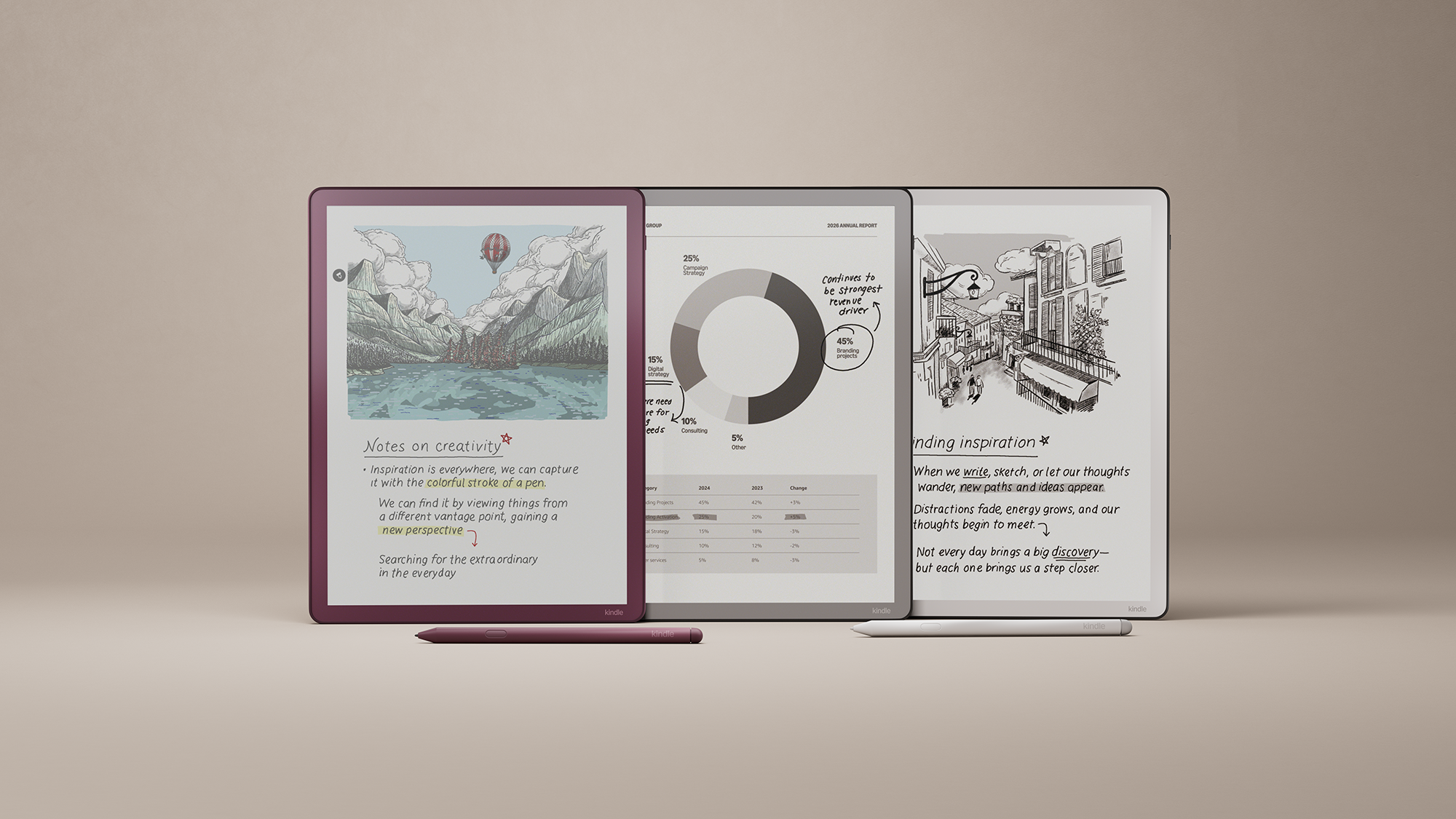
With support for Google Drive and Microsoft OneDrive, it's easy to import documents for markup and export annotated PDFs. You can also share your notebooks with OneNote by exporting your notes as converted text or as an embedded image, so you can keep them all in one place and keep editing from your laptop. This seamless integration means you can capture ideas on the new Kindle Scribe during a class or meeting, then pick up where you left off on another device, keeping your workflow uninterrupted.
Easily locate important ideas and information across all your notebooks by using the new AI-powered search feature. Search using natural language and get simple AI summaries based on the notes in your notebook. You can also dig deeper with follow-up questions. Go to Search and open the keyboard to get started.
The notebook summarization feature, powered by generative AI, allows you to quickly create a synopsis of your notes so you can bring your ideas off the page and turn them into actions. To use the feature, select up to 15 notebook pages, open the notebook menu, and click the AI icon. Select "Summarize," and the feature will convert your notes into concise bullets. The summaries are provided in a script font so they're legible and easy to share, while maintaining the look and feel of handwritten notes. You can also adjust the length of your summaries to be short or long, and the tone to be professional or casual.

If you're scribbling, the AI-powered refinement feature will convert your handwritten notes into a script font for a more elegant (and legible) look. While you're in a notebook, just click the AI icon and select "Refine writing." Your notes will be quickly converted into a script font and inserted back into your notebook, making them easier to read, review, and share. If inspiration strikes and you want to make changes, you can still edit and update your refined notes.
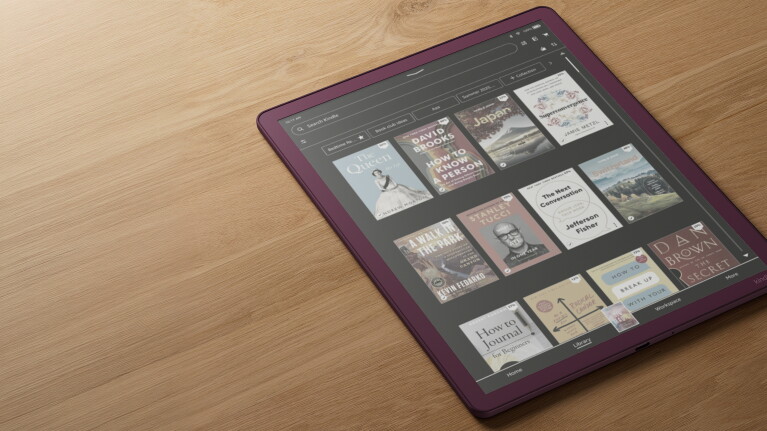
With system-wide Dark Mode for Kindle Colorsoft and Kindle Scribe Colorsoft, change surfaces like Home, Library, and Settings to create the visual experience that works best for you. You can even customize where and when you’re using Dark Mode; for example, using Dark Mode for Home, Library, and Settings, while keeping notebooks in Light Mode. Once you’ve downloaded the latest software, this feature can be used by going to Quick Actions > Dark Mode.
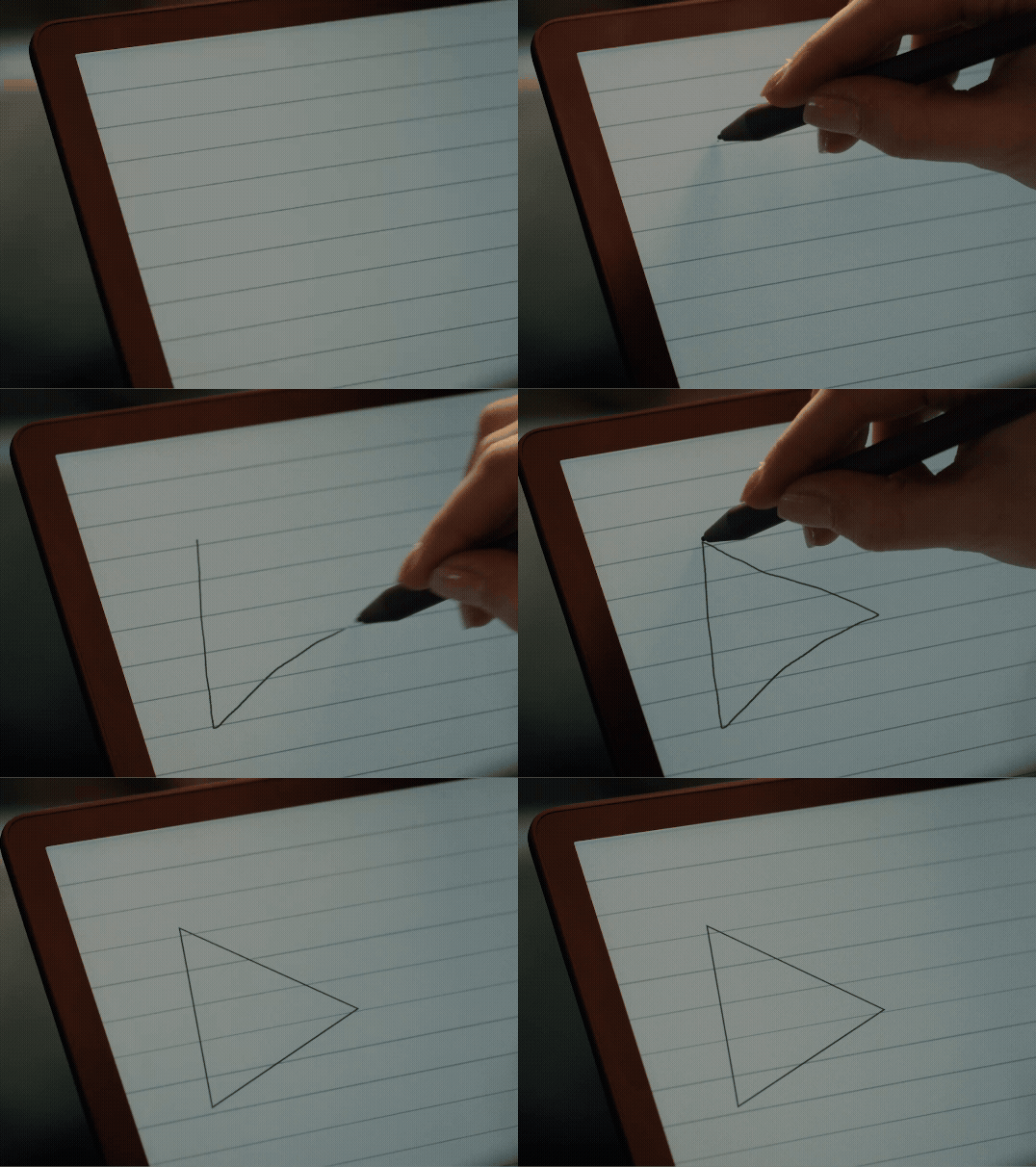
Smart Shapes in Notebooks allows you to add structured lines, arrows, circles, triangles and rectangles directly from the toolbar, making it faster and easier to create clean, polished notes. And with hold-to-snap, draw freehand and automatically convert strokes into precise lines, circles, triangles, or rectangles, combining the flexibility of handwriting with the neatness of structured tools. Downloaded the latest software to access this feature on compatible Kindle Scribe devices.