
UPDATE: This article was originally published on September 21, 2022. It was updated on August 6, 2026, with the 2026 schedule.
Key takeaways
- Prime Video streams 17 regular season Thursday Night Football games, plus a Wild Card playoff game.
- Fans can watch on more than 650 devices, including Fire TV, smart TVs, and game consoles.
- Season recording lets viewers opt in to pause, rewind, and replay all games with no DVR space needed.
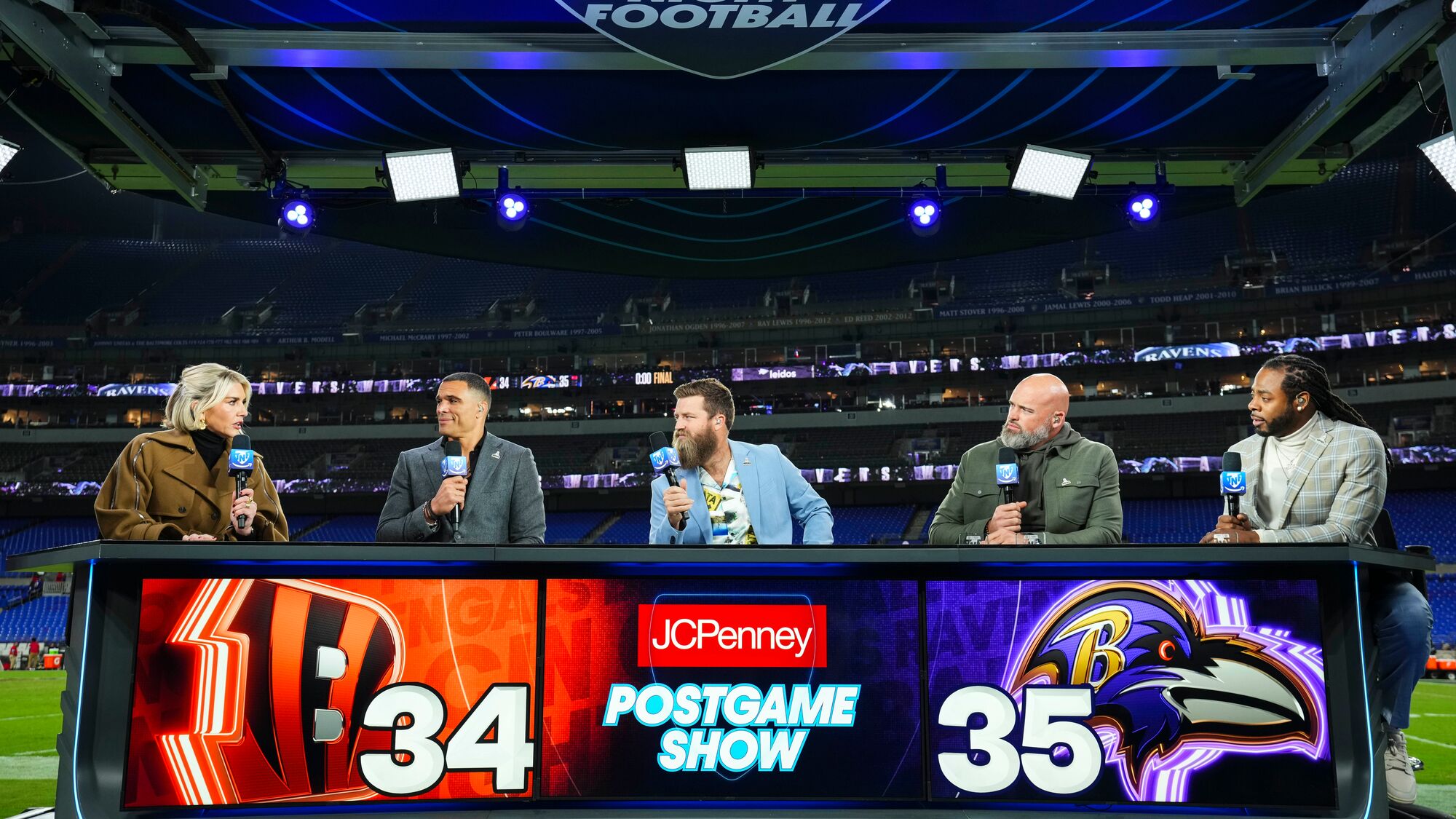
The 2026 season of Thursday Night Football on Prime Video features 18 total games, starting with a preseason match on August 27 and ending with a Wild Card playoff game in early January.
Thursday Night Football's regular-season slate begins on September 17 with Week 2 game between the Detroit Lions and the Buffalo Bills at the Bills' brand-new Highmark Stadium.

Here's a step-by-step guide of how to watch Thursday Night Football on Prime Video, what devices you can use to stream the games, and how to record games.
How to watch ‘Thursday Night Football’ on Prime Video
- Open the Prime Video app on your device. If you do not have the app, download it from the App Store or in the App section on your connected TV.
- Sign in to your Prime account. Not a Prime member? Sign up for a free 30-day trial to try it out.
- Find Thursday Night Football on the homepage, or in the search bar, Sports section, or "Live & Upcoming" carousel.
- Select that day’s game.
- Press play.

What devices can I use to watch ‘TNF’ on Prime?
- Fire TV, Fire TV stick, and Fire tablet
- Echo devices with a screen, such as Echo Show
- Set top boxes and media players (Google Chromecast, Google TV/TV Streamer, Roku, Apple TV, and more)
- Video game consoles (Xbox One, Series X, Series S, and PlayStation 3, PlayStation 4, and PlayStation 5)
- Smart TVs, and tablets and mobile phones running iOS or Android.
How can I record ‘Thursday Night Football’ games on Prime Video?
To record Thursday Night Football games, you'll need to opt in to record the entire season.
- Open the Prime Video app on your device. If you do not have the app, download it from the App Store or in the App section on your connected TV.
- Sign in to your Prime account.
- Find Thursday Night Football on the homepage, or in the search bar, Sports section, or "Live & Upcoming" carousel.
- Find a Thursday Night Football game on Prime Video and click the "Record" button.
Recordings will include all of the games, as well as each week’s pregame, postgame, and alternate streams. All content is available until the start of the following NFL season and stored in the cloud, meaning it will not affect your DVR space.
Opting in gives you full access to pause, rewind, and fast-forward when the game is live, as well as full replays after the games conclude. If you do not opt in to record the season, you will still have the ability to access 15 minutes of rewind from the point you joined the game, and you will also be able to pause and fast-forward as needed.
Trending news and stories