
Prime Day ends today! Don't miss your last chance to shop member-exclusive deals, including Amazon Haul and Kindle deals.
Key takeaways
- Alexa for Shopping can build you a personalized Prime Day Deals Guide, set deal alerts, and even auto-buy items when they hit your target price.
- Features like Amazon Lens help customers quickly discover products the moment inspiration strikes
- Features like Lists, Buy Again, and “Keep Shopping For” make it easy to track deals on items you've already been eyeing.
Prime Day returns June 23–26 with millions of deals across every category—and Amazon has built tools to help you find the best ones faster. Here are six ways to shop smarter this Prime Day.
Page overview
Alexa for Shopping: Your personal shopping expert for Prime Day
1
Alexa for Shopping: Your personal shopping expert for Prime Day
2
Set up deal and price alerts, and auto-buy
3
Forget forgetting: Amazon's “Keep shopping for” helps you keep track of Prime Day deals
4
Get organized with Lists and Buy Again deals
5
See it, Shop it: Discover deals with Amazon Lens
6
Amazon’s size recommendations and Fit Review Highlights can help you find the perfect fit
1.
Alexa for Shopping: Your personal shopping expert for Prime Day
Meet your secret weapon for Prime Day: Alexa for Shopping—the world's best, most personalized AI assistant for shopping. Combining deep product knowledge, information from across the web, and powerful shopping capabilities with your personal preferences and shopping history, Alexa for Shopping makes it easier to get the best deals and discover products you'll love.
You can ask questions directly in the main Amazon search bar, get category and product insights in search results and on product pages, and more. All Amazon customers can use Alexa for Shopping on the Amazon Shopping app and website.
Here are a few ways to put Alexa for Shopping to work this Prime Day:
- Get your Prime Day deals guide: Have Alexa send you a personalized deals guide based on your shopping history and preferences. Just tap the “+” icon in the Alexa for Shopping chat bar and select Prime Day deals. When Prime Day arrives, you'll be notified when your personalized guide is ready, featuring a curated selection of deals along with quick explanations for why each was selected for you.
- Check price history: Tap “Price history” on any product detail page or ask Alexa for Shopping for the price history to see how the price has changed over the past year across hundreds of millions of products on Amazon. You can also ask questions like “What was the price last Prime Day?” or “Was it cheaper last Black Friday?”
2.
Set up deal and price alerts, and auto-buy
Create deal alerts to track deals for specific product needs—like “Alert me to deals on headphones with noise cancellation.” You’ll receive daily updates when new matching deals become available. If you know exactly what you want, set a target price on any specific item and get notified when the price drops—or turn on auto-buy and Alexa will automatically purchase it when it hits your price target.
3.
Forget forgetting: Amazon's “Keep shopping for” helps you keep track of Prime Day deals
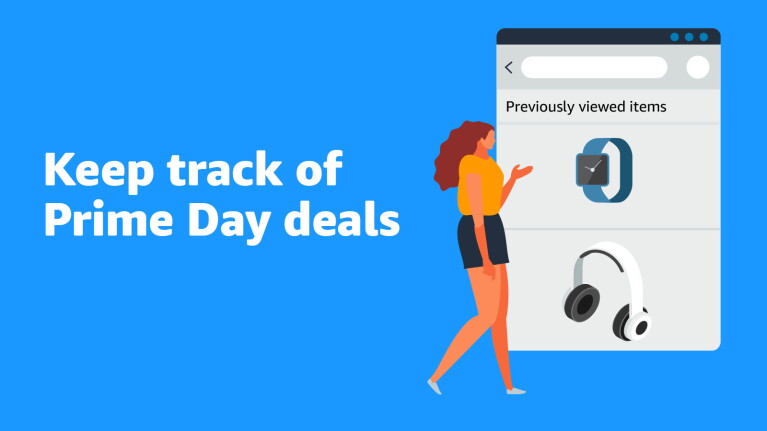
Ever find yourself browsing on Prime Day, finding deals you love, but then getting distracted and forgetting to add to cart? Well, Amazon's “Keep shopping for” feature has got your back. This tool will help you stay on top of the deals for products you've already been eyeing even if you forget to save them to a List or Add to cart.
In the app, simply tap on a featured product within “Keep shopping for,” or go to the “Me” tab, where your previously viewed items will be neatly organized into categories like ”Running shoes,” “Bluetooth headphones,” and “Home & Kitchen.” If you're logged in on a browser, just head to the top of the Amazon homepage, and you'll see “Keep shopping for.”

4.
Get organized with Lists and Buy Again deals
Amazon Lists are a great way to keep track of the items you want most. Add items to Lists now to quickly see which products go on deal during Prime Day—if an item saved to your Lists is on deal, it will be sorted into a deals tab, making it easy to find the best prices on items you've been eyeing.
Looking to restock items you've ordered before? Use Buy Again to find deals on items you purchase most frequently. When you're logged into your Amazon account on a desktop, select Buy Again to find your previous orders plus deals related to your past purchases in one place. And to access Buy Again in the Amazon Shopping app, tap the “Me” tab from the bottom of the navigation bar.
In the Amazon Shopping app, access your Lists by tapping the “Me” tab. And if you're logged into your Amazon account on a desktop, all you have to do is hover over the “Account & Lists” menu at the top of the page to find “Your Lists.”
5.
See it, Shop it: Discover deals with Amazon Lens
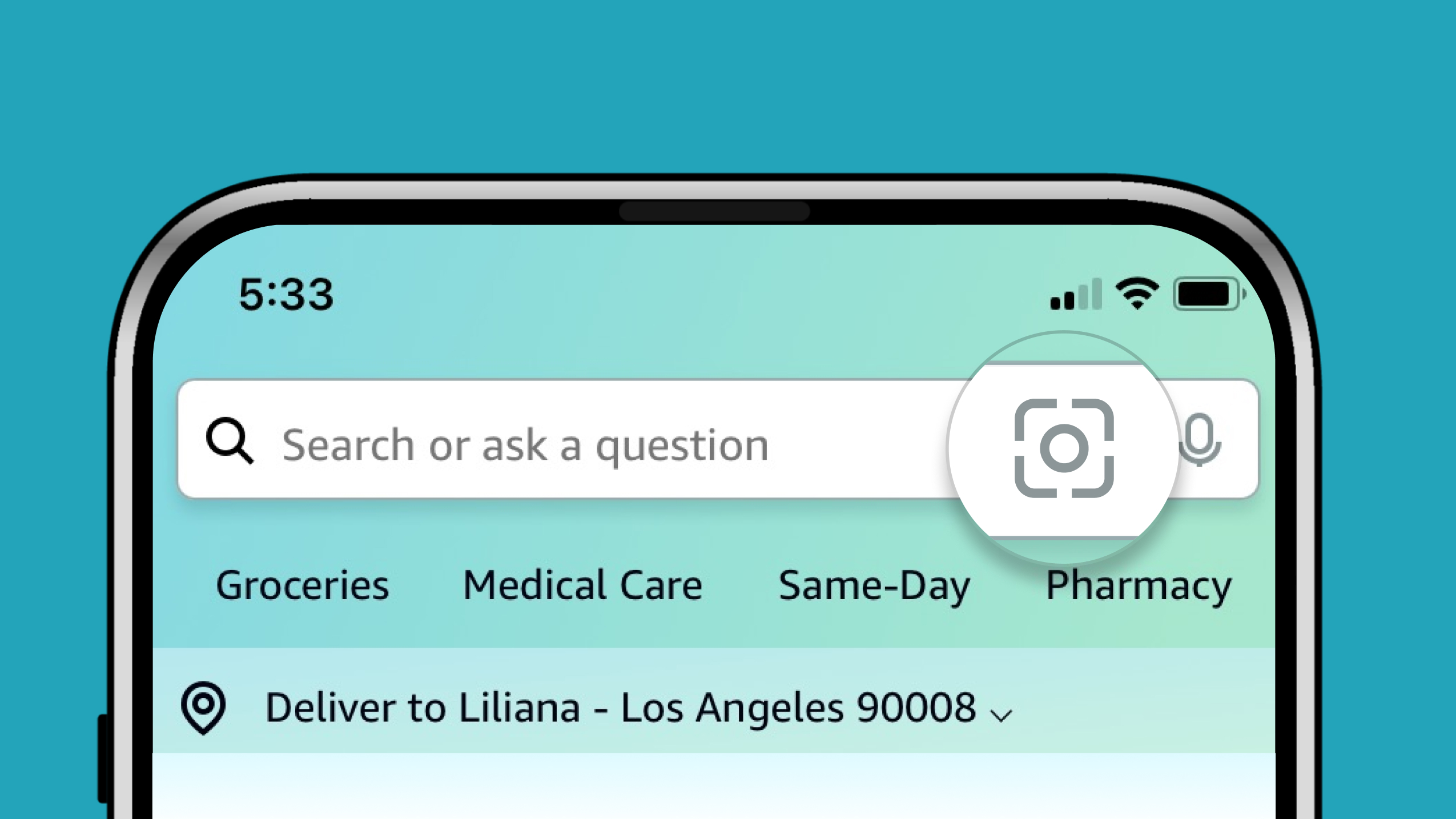
Discover products the moment inspiration strikes with Amazon Lens in the Amazon Shopping app. Just tap the camera icon in the search bar to scan a product or upload an image—instantly finding visually similar items and Prime Day deals on Amazon. Whether you spot a pair of shoes you love in the wild or see a piece of furniture in a friend's home, Amazon Lens helps you find it (or something like it) on deal.
6.
Amazon’s size recommendations and Fit Review Highlights can help you find the perfect fit
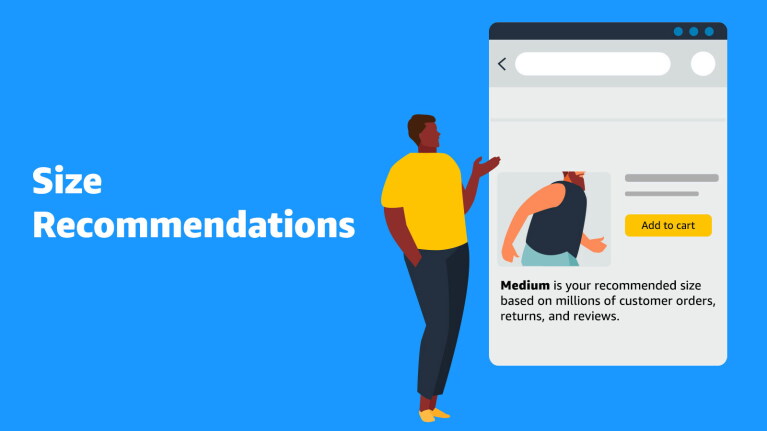
Not sure what size to order? Don't worry—Amazon has developed a deep learning-based algorithm that can help you find your best-fitting size in any style of clothing. Amazon’s size recommendations use AI and machine learning models to suggest a size that's just right for you on each product's detail page.
You can also use Amazon's AI-generated Fit Review Highlights to get personalized size guidance. Amazon creates a review highlight for every customer. This is based on your recommended size, and suggests whether you should size up or down in a particular style using information from reviews left by customers who have purchased the item in the same size.
Can you shop Prime Day without being a Prime member?
Prime Day deals are exclusively for Prime members. Anyone can join Prime in the U.S. for $14.99 per month or $139 per year, or start a free 30-day trial if eligible. Amazon also offers discounted memberships: Higher education students and 18- to 24-year-olds can try Prime for Young Adults with a six-month $0 trial, then pay $7.49 per month or $69 per year. Qualifying government-assistance recipients and income-verified customers can try Prime Access free for 30 days, then pay $6.99 per month.
Trending news and stories