
Key takeaways
- Alexa for Shopping can track prices, create deal alerts, and auto-buy items when they hit your target—so you never miss a Prime Big Deal Days deal.
- Features like Amazon Lens and Hear the Highlights make it easier to research and shop with confidence during the event.
- These AI features work year-round, helping you save time and money beyond Prime Big Deal Days.
With thousands of deals dropping during Prime Big Deal Days, AI tools can help you find, track, and score the best prices. Here are nine AI-powered features in the Amazon Shopping app and website that can help you get the most out of Prime Big Deal Days—and every day after.
Use these AI shopping tools during Prime Big Deal Days
Set up deal alerts
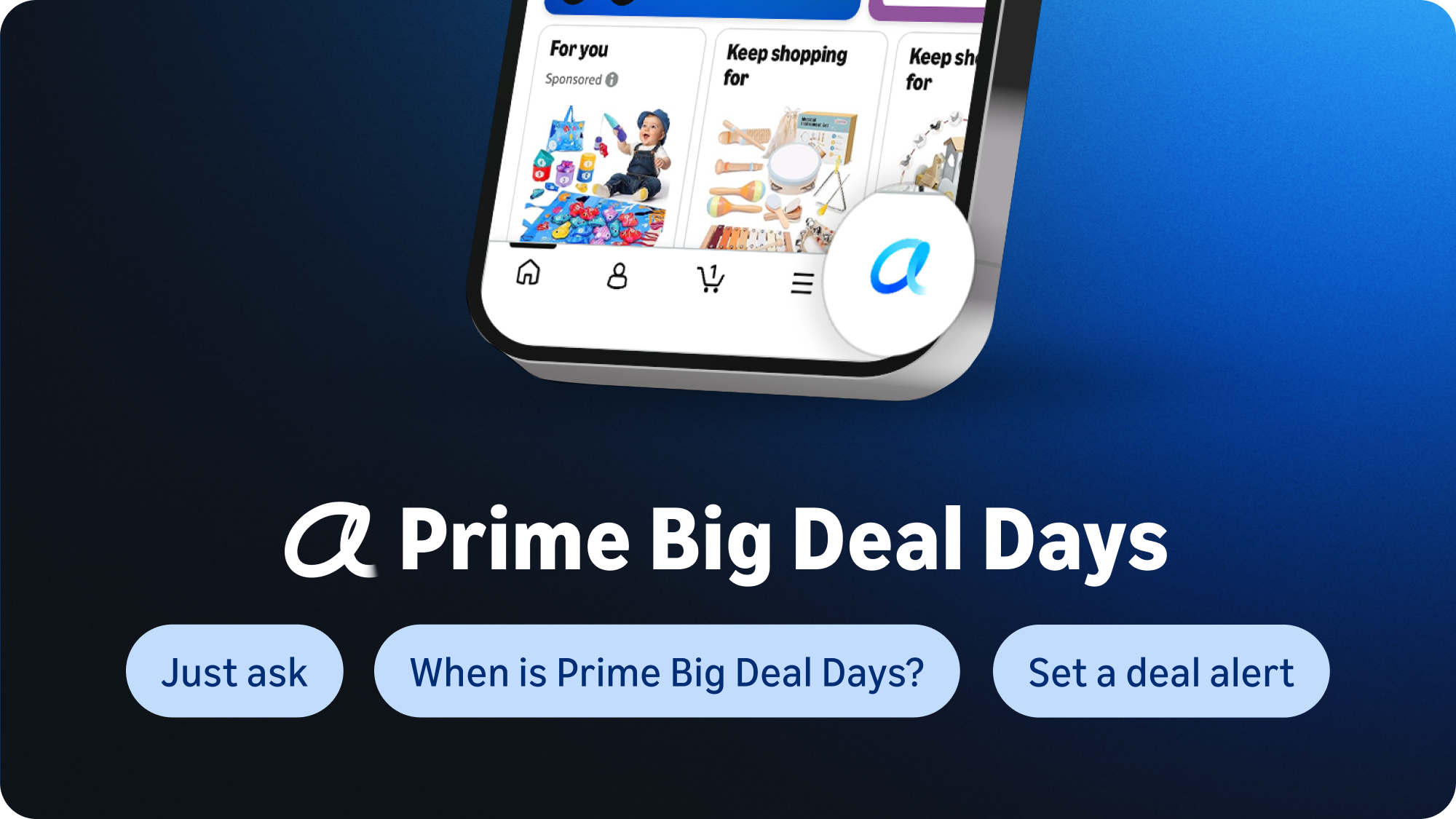
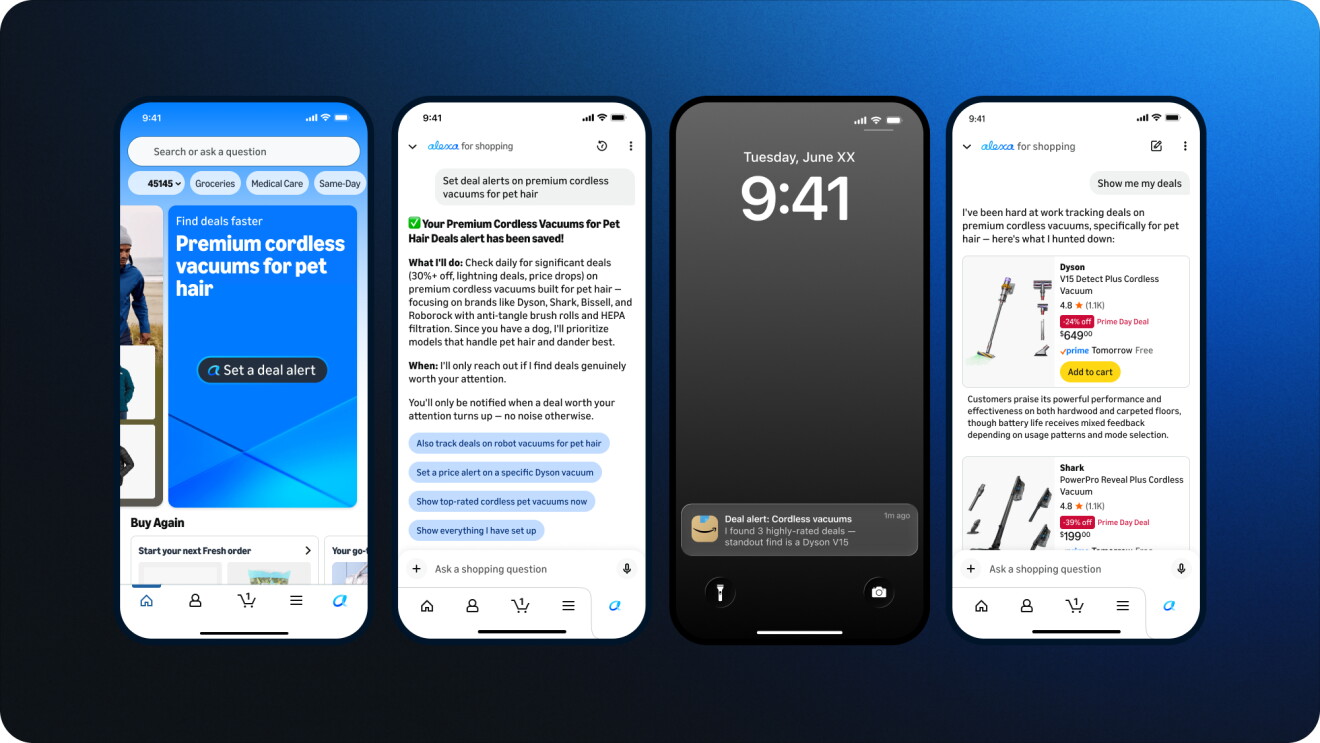
New this Prime Big Deal Days, customers can ask Alexa for Shopping to track deals tailored to their specific product needs—for example, “Alert me to deals on noise-canceling headphones”—and receive daily updates whenever new matching deals become available.
Set price alerts
If you know exactly what you’re looking for, on the product detail page, ask Alexa for Shopping to create a price alert based on your target price—like "Alert me when this drops to $50." You'll get notified when the price hits your target so you never miss a deal.
Auto-Buy at your target price
Take price alerts one step further by turning on Auto-Buy. Tell Alexa for Shopping "Buy these headphones when they're $75 or less" and it will automatically complete the purchase using your default payment method when the price drops—no need to keep checking back.
Shop smarter during Prime Big Deal Days
Check price history for up to a full year
Tap “Price history” on any product detail page or ask Alexa for Shopping for the price history to see how the price has changed over the past year across hundreds of millions of products on Amazon. You can also ask questions like "What was the price last Prime Big Deal Days?" or "Was it cheaper last Black Friday?"
Ask questions right in the search bar
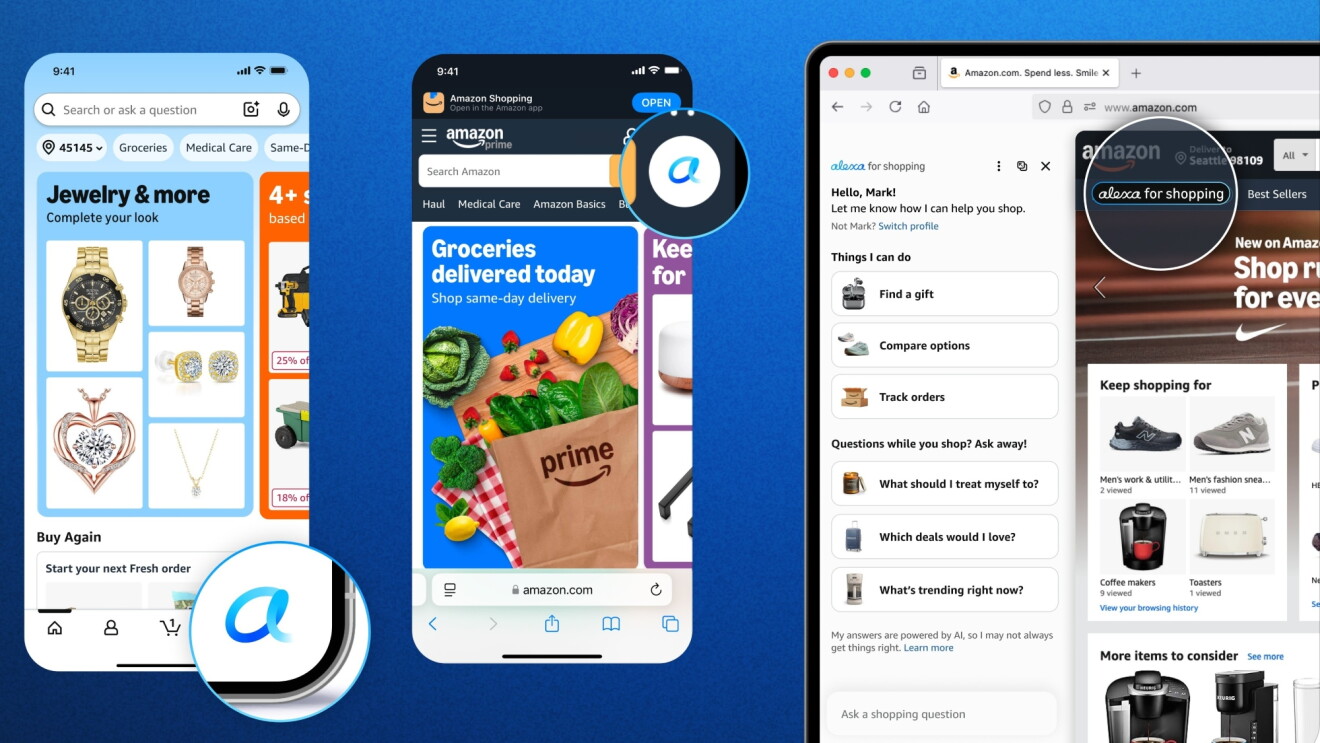
You can now ask questions directly in the Amazon search bar—like "How do I choose a robot vacuum for homes with pets?" Perfect for quickly narrowing down Prime Big Deal Days options when you're not sure where to start.
Get personalized deal recommendations
Ask Alexa for Shopping "What are the best deals for me?" or "Are any items on my wish list on sale?" and it will surface deals based on your lists, browsing history, and past purchases—so you see the deals that actually matter to you.
Snap it, find it, shop it with Amazon Lens
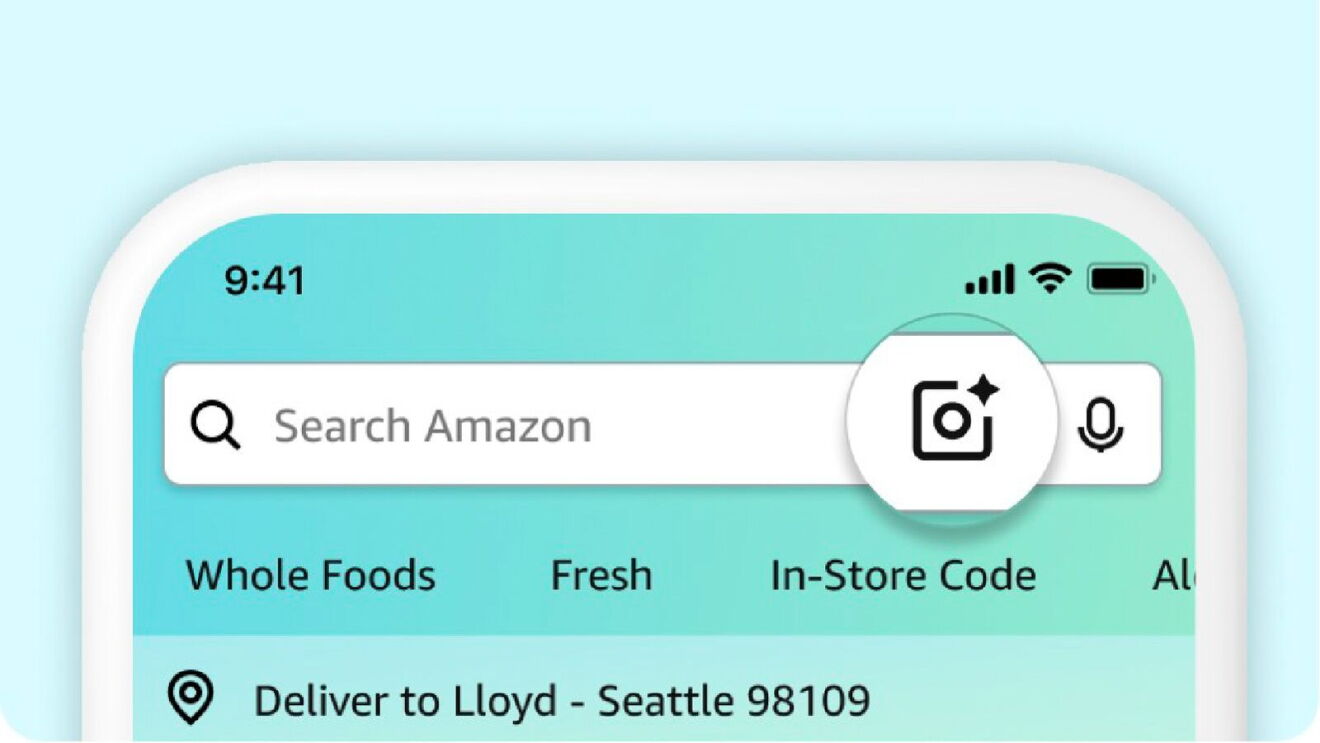
Tap the camera icon in the Amazon Shopping app search bar to snap a photo, upload a screenshot, or scan a barcode to instantly find matching or similar products. Refine your results by adding details like brand or color. During Prime Big Deal Days, use Amazon Lens to quickly identify products you spot and find the best deals on them.
Listen while you shop
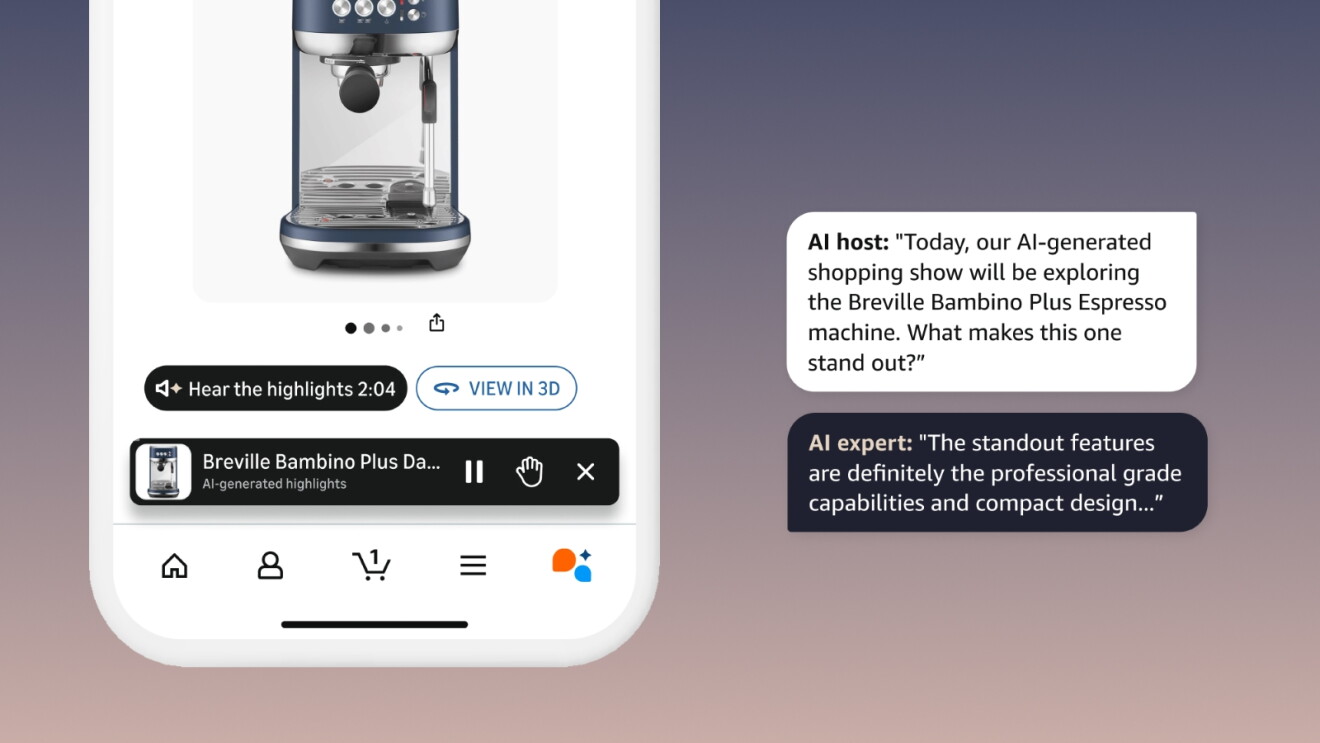
Hear the Highlights uses AI-powered audio summaries to bring product details to life—like having knowledgeable friends discuss a product's key features, reviews, and value for you. It's perfect for researching Prime Big Deal Days deals while multitasking or on the go. The feature is available on select product detail pages. You can also use Join the Chat to ask the AI hosts questions via text or voice while listening.
Save time and money year-round
These AI shopping features aren’t just for Prime Big Deal Days—they’re tools you can use every day to shop smarter.

The more you use them, the more personalized your experience becomes. Whether you're tracking a price, restocking essentials, or researching a big purchase, Amazon's AI shopping tools help you find what you need, quickly, and at the best price.
To get started, open the Amazon Shopping app and explore these features for yourself.
Next, get a behind-the-scenes look at how Amazon prepares for its biggest shopping events of the year.
Trending news and stories
- Prime Big Deal Days is back October 6-7: Here’s what to expect
- Investing more than $230 million in higher pay and expanded benefits for Whole Foods Market team members
- Prime Big Deal Days 2026: Early deals you can shop right now
- Amazon Leo adds 6 new Arianespace launches, expanding its launch partnership